Stage any empty listing in seconds. No furniture. No re-shoot.
Upload a photo of an empty room, pick a style, and get a photorealistic staged image buyers respond to, for a few credits a photo instead of hundreds at a service.

Staging that sells, at a fraction of the cost
Looks real: because buyers can’t tell
Photorealistic furniture, lighting and styling matched to the room, not cartoon overlays. Label images as virtually staged in one click to stay within disclosure rules.
Seconds, not days
Upload, pick a style, download. Re-style the same room as many times as you want, each new render uses credits. No waiting on a vendor.
Restyle for the buyer
Modern, farmhouse, mid-century, Scandinavian: match the staging to the listing’s likely buyer and swap styles in one click to test what shows best.
Your photos, your license
A commercial license is included on paid plans. Use the images in MLS, on Zillow, in brochures: they’re yours.
Empty rooms, furnished by AI
Each pair started as a bare listing photo and was staged in the studio.
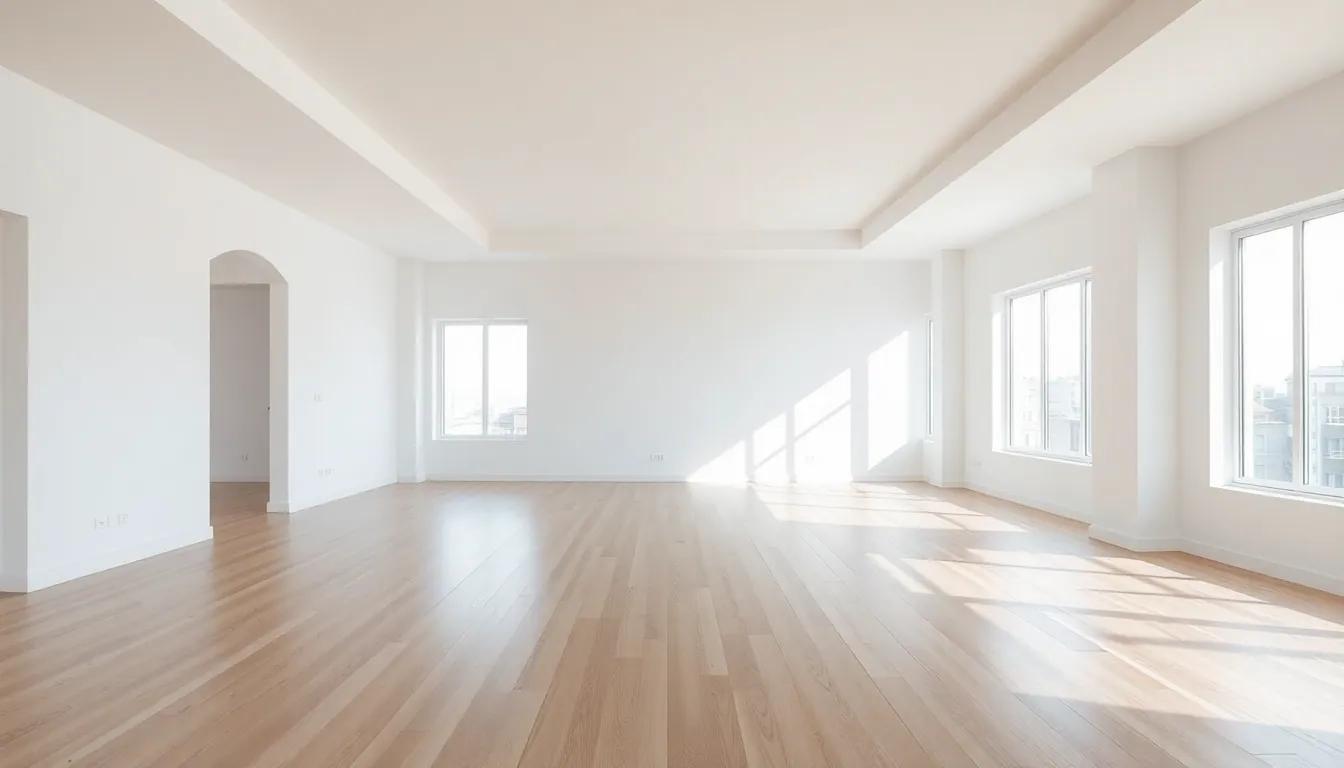 BeforeAfter
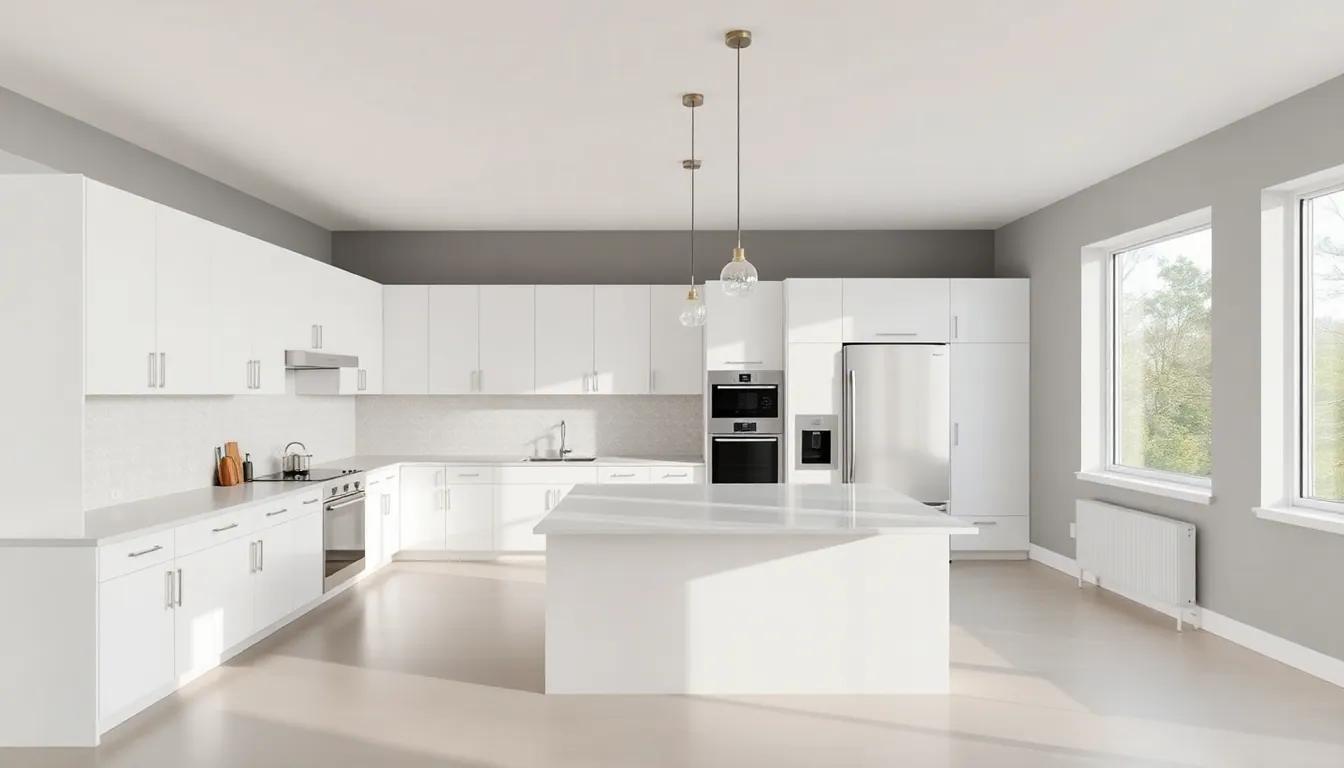 Before
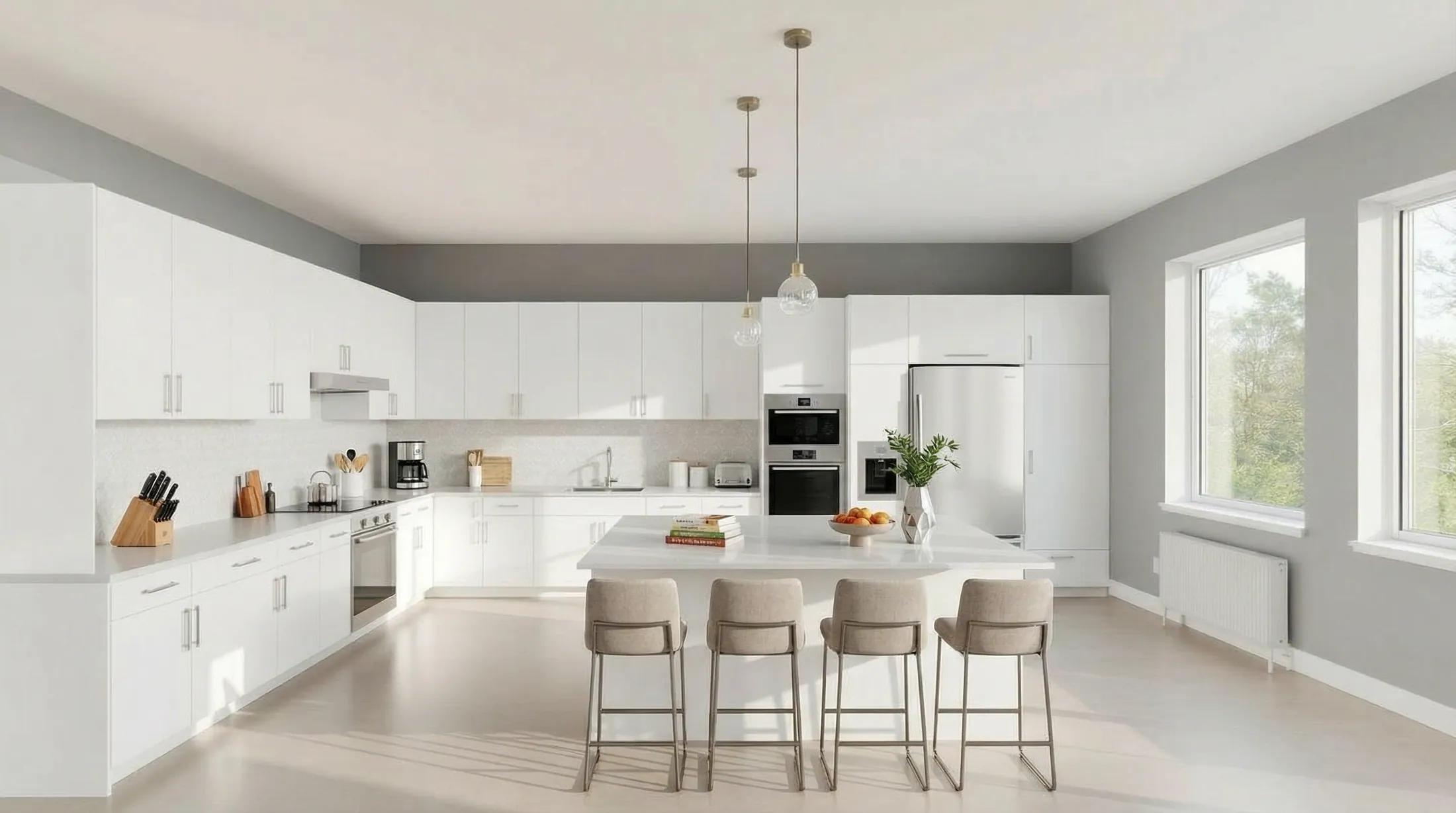 After
After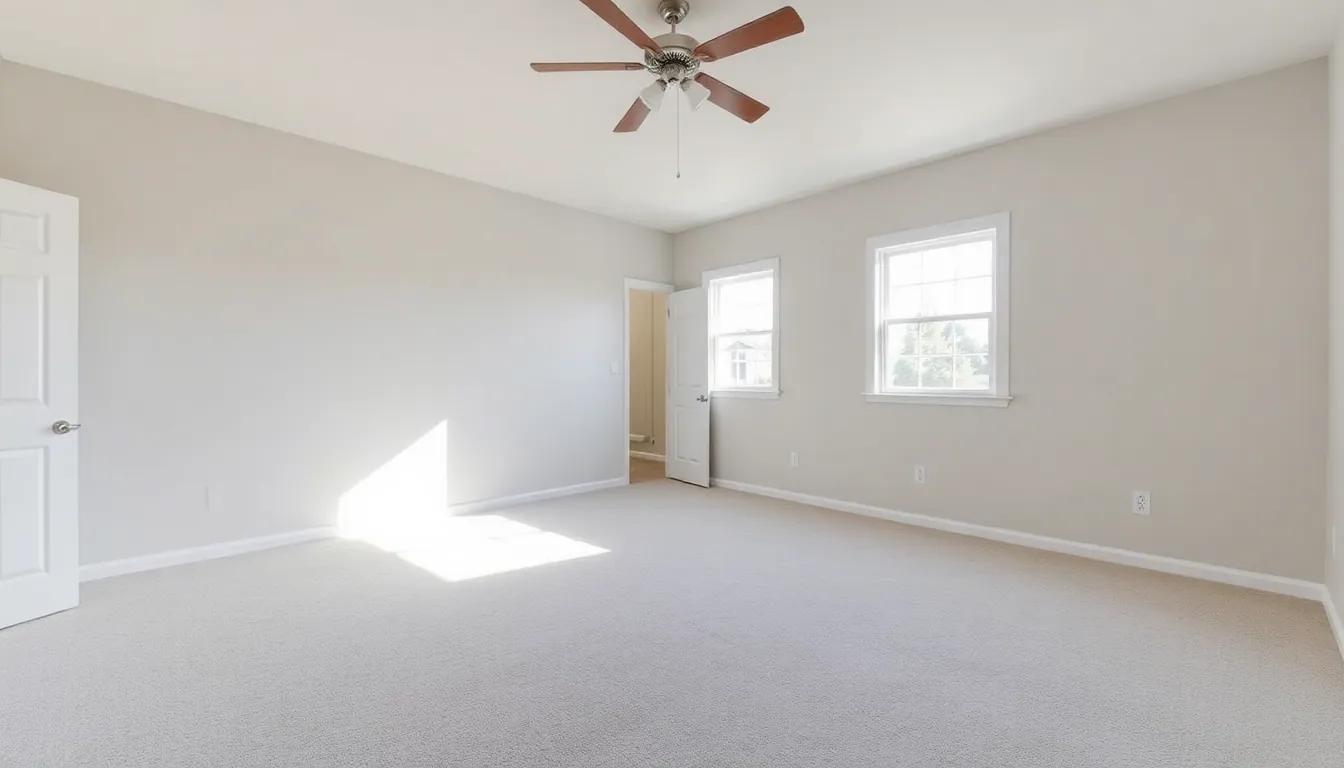 Before
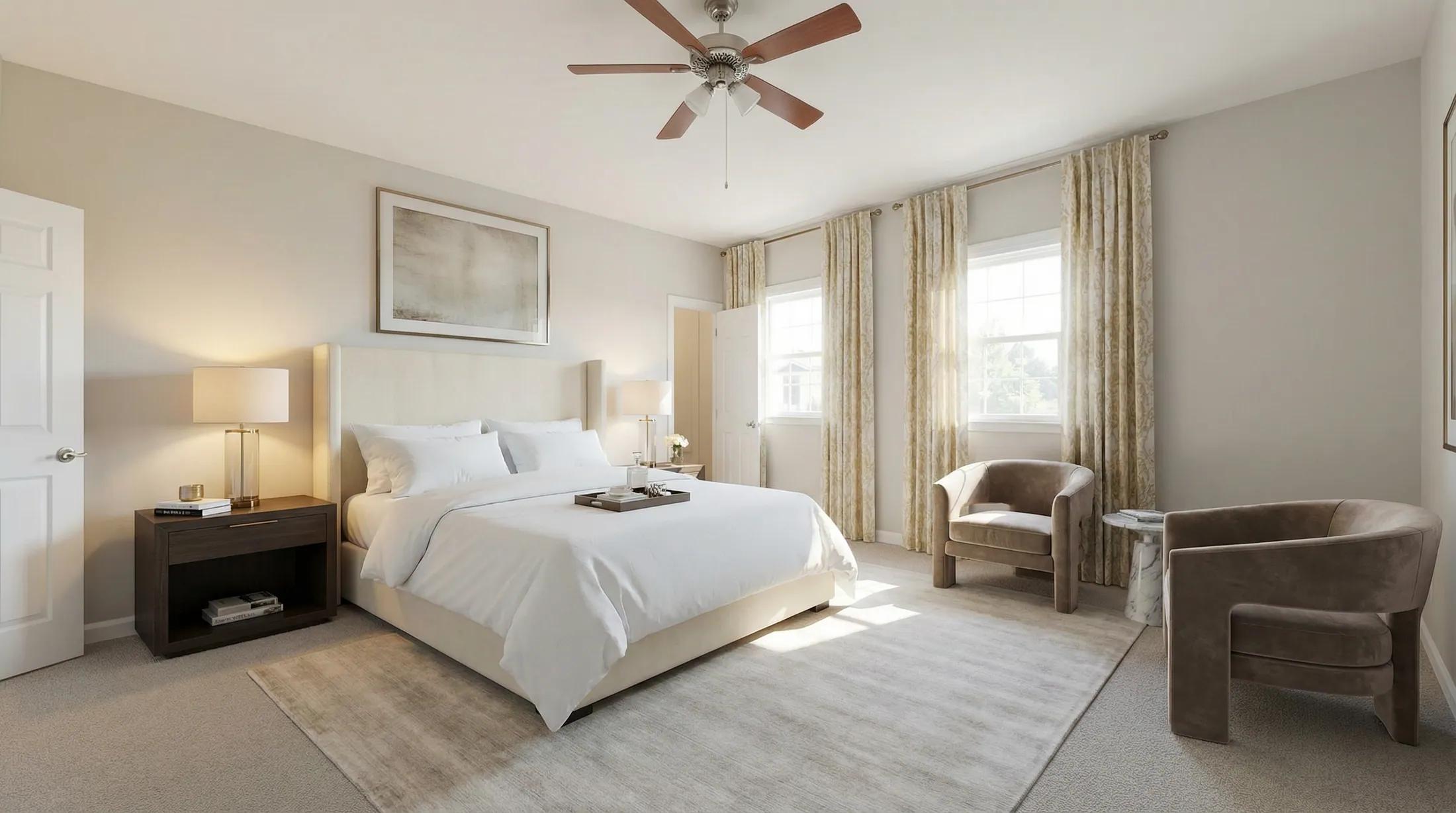 After
AfterThree steps to a staged listing
- 01
Upload
Add a photo of the empty room you want to stage.
- 02
Pick a style
Choose a look that fits the likely buyer, or let the studio choose by room type.
- 03
Download
Save the staged photo and use it anywhere. Re-style as often as you like.
How it compares to traditional staging
| Metric | Physical / service staging | With Renovaitor |
|---|---|---|
| Cost per listing | $250-$4,000 | A few credits per photo |
| Turnaround | Days to weeks | Seconds |
| Revisions | Re-stage = re-pay | Credits per new render |
| Who controls it | The vendor | You |
Virtual staging is a mode inside Renovaitor’s Design Studio: the same studio that restyles, recolors and relights rooms. Upload an empty listing and choose staging to furnish it. Explore Design Studio.
Stage a whole listing on one starter pack
Start with a one-time Starter pack and spend credits only when you stage. Subscriptions add monthly credits, team seats and API access for high-volume studios.
Start for
$9
50 credits: pay once, no subscription
Pro plan
$39/mo
500 credits every month
This feature
7 credits
per staged photo
Credits work across every Renovaitor tool. See full pricing
Frequently asked questions
- Will buyers know it’s virtually staged?
- Staged photos are photorealistic. Most disclosure rules require you to label virtually staged images: labeling is one click, and it’s standard practice buyers accept.
- Do I keep the rights to the images?
- Yes. A commercial license is included on paid plans: use them in MLS, Zillow, print, anywhere.
- What if the result isn’t right?
- Try another style or different furniture. Each new render uses credits, with the cost shown before you generate.
- Can my team share one account?
- On the Business plan, yes: team seats let a whole brokerage or studio work from one plan. Pro is built for a solo agent or photographer.
- Do you integrate with my photo workflow?
- The Business plan includes API access, so a studio can batch-stage straight from its pipeline. Reach out about volume.
Stage your next listing
Upload an empty room and use purchased credits to see it furnished.