Every listing edit, the whole listing at once. Twilight, declutter, empty rooms, blue skies.
Upload every photo of a listing, pick the edit and download the finished set as one ZIP. Every edit is told to keep walls, windows and doors as photographed, and any room can be re-rendered, for a few credits a photo instead of paying an editor per image.
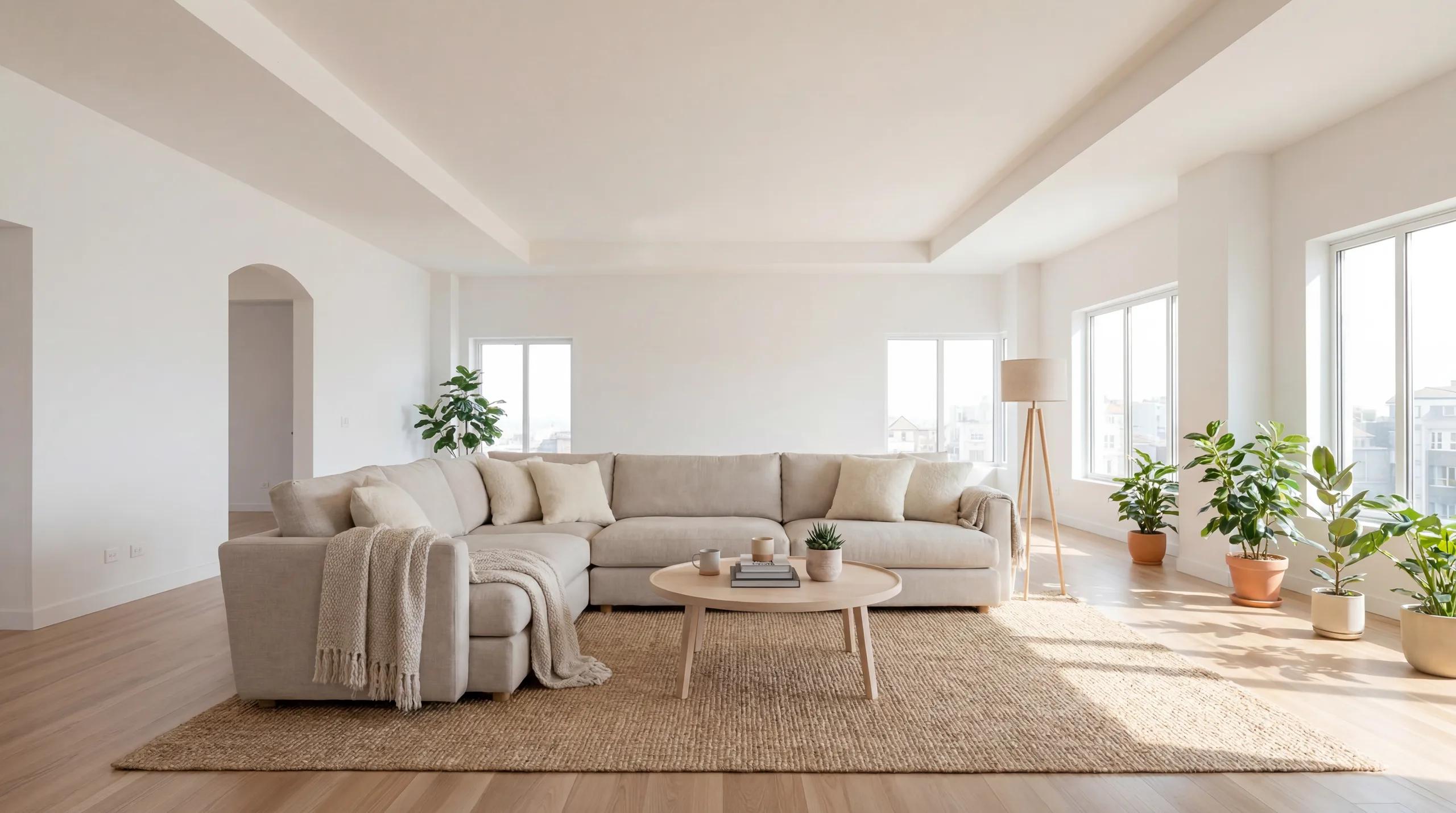
The edits agents pay an editor for
Virtual twilight
Turn a daytime exterior into a dusk shot: deep blue sky, warm light in every window, subtle porch and landscape lighting, with the house kept as photographed.
Declutter
Remove clutter, personal items, cables and countertop mess while keeping the furniture, for occupied listings that need to look show-ready.
Empty the room
Remove all furniture and decor to show the space itself, or as a clean base for staging in a new style.
Blue sky
Replace grey or blown-out skies with a clear blue sky and matching daylight, without touching the roofline or trees.
Stage or restyle
Furnish empty rooms, or restyle furnished ones, in one consistent style across the whole listing.
Disclosure built in
Each download says what was changed (“Virtually staged” or “Digitally altered”) with a link and QR code to the unaltered original.
Real renders from the listing studio
These pairs show virtual staging; every edit keeps the room’s architecture the same way.
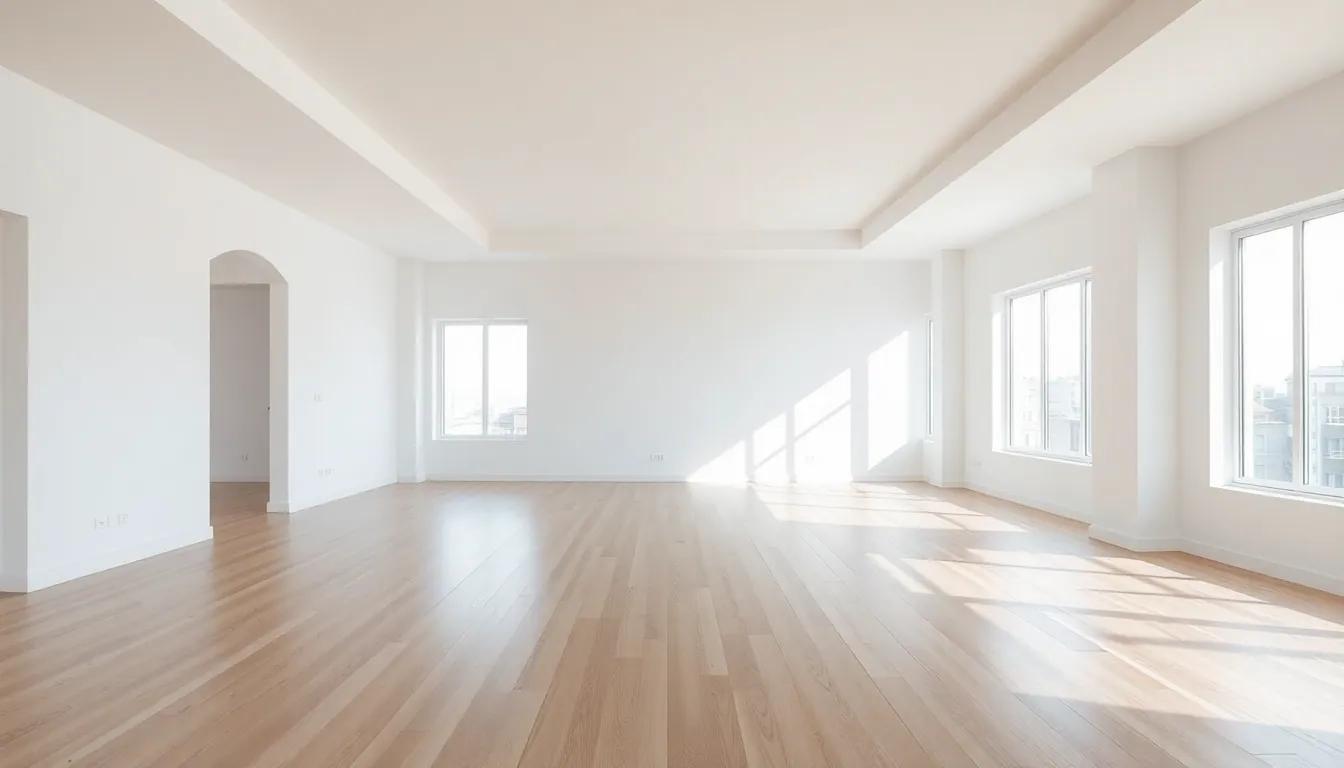 BeforeAfter
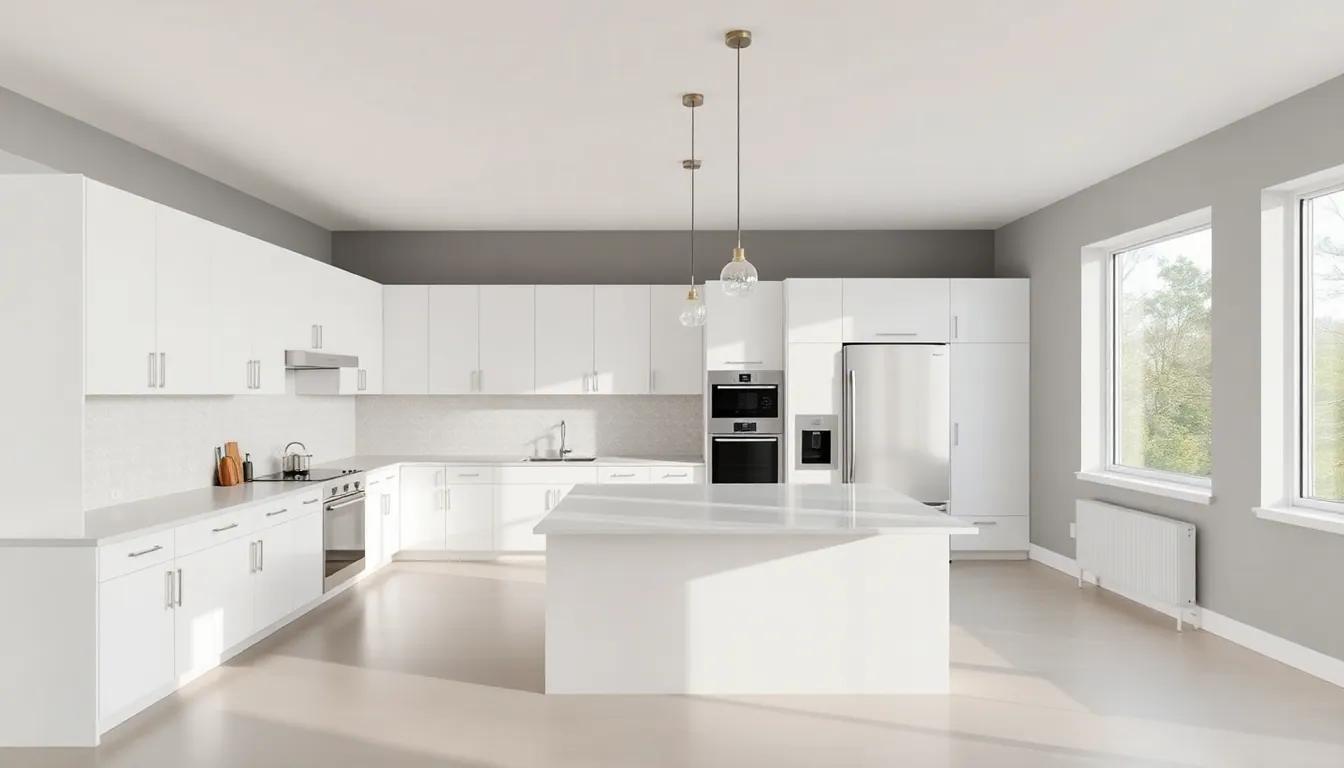 Before
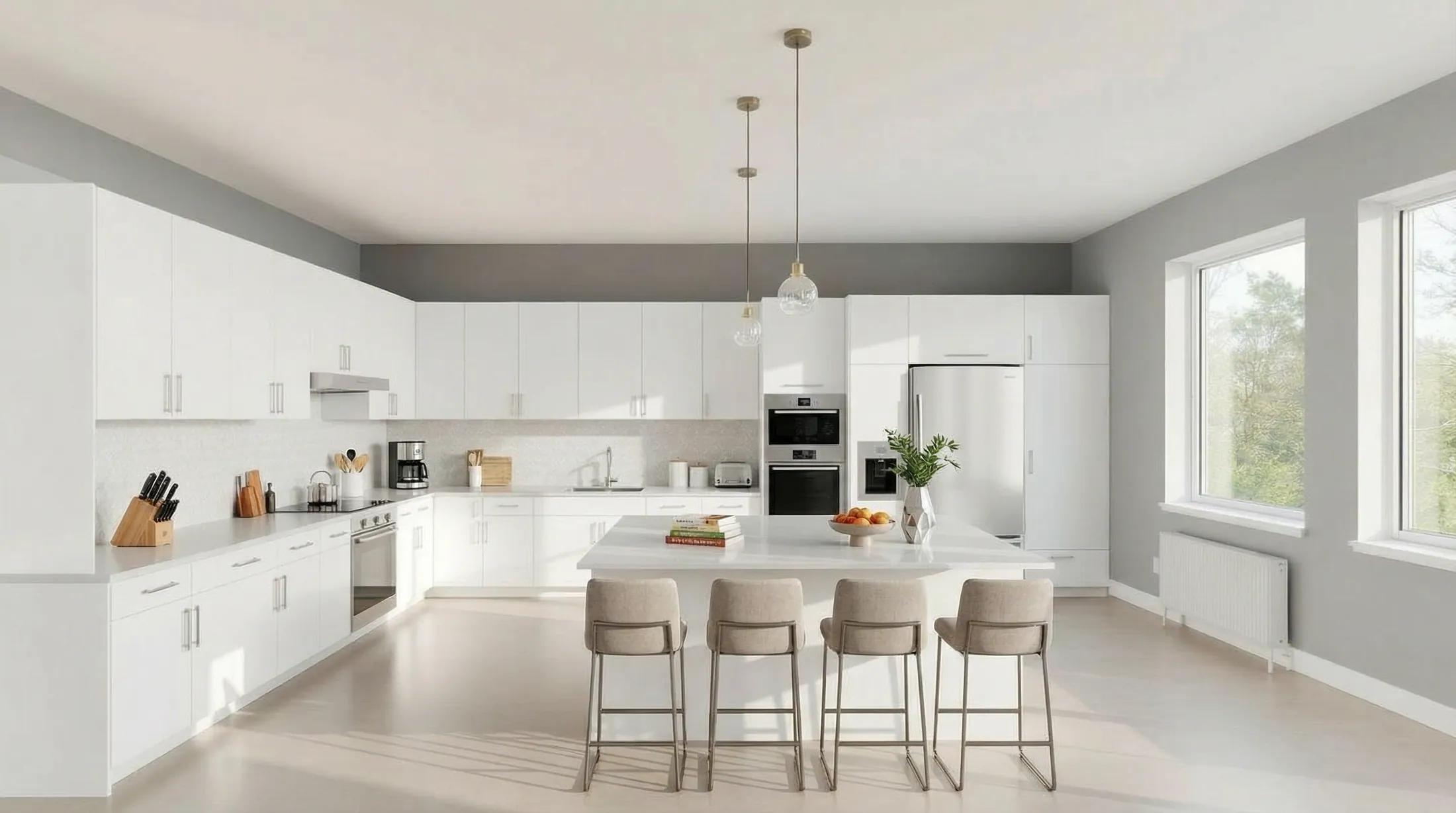 After
After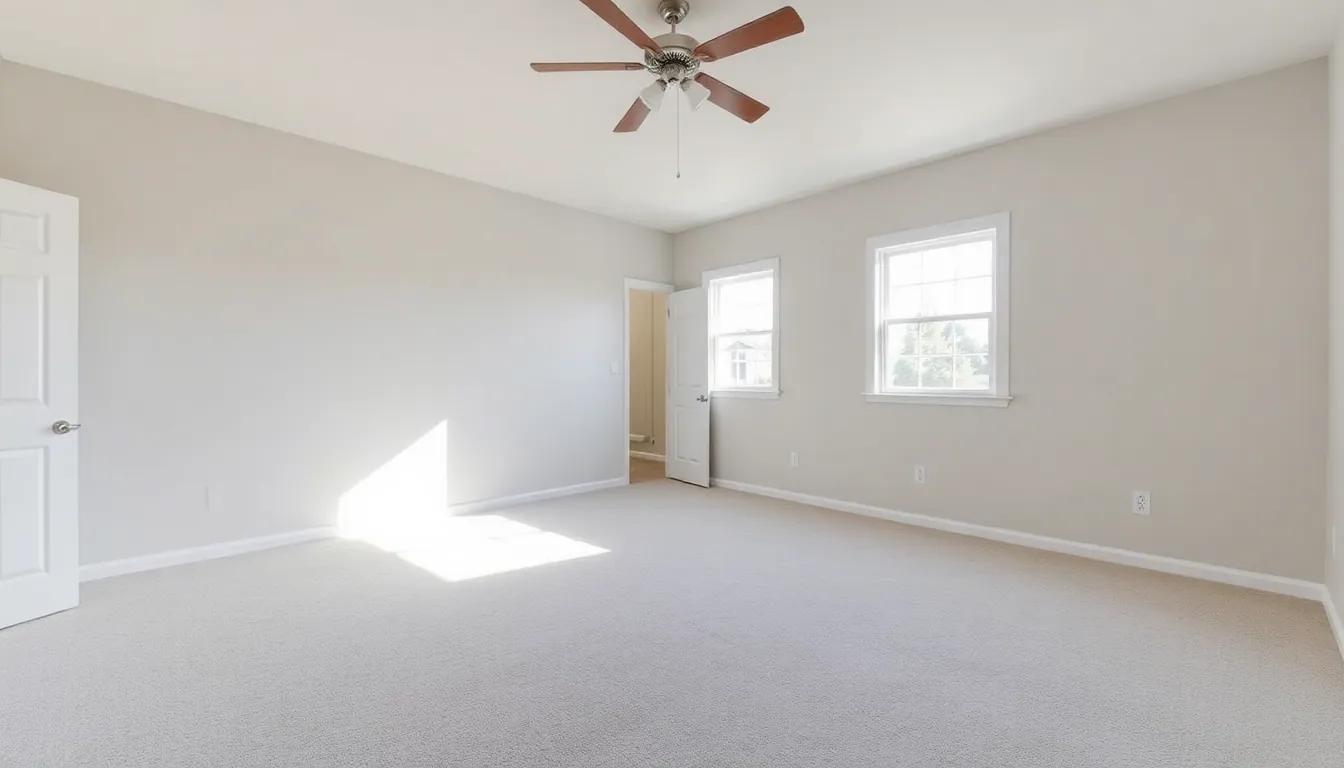 Before
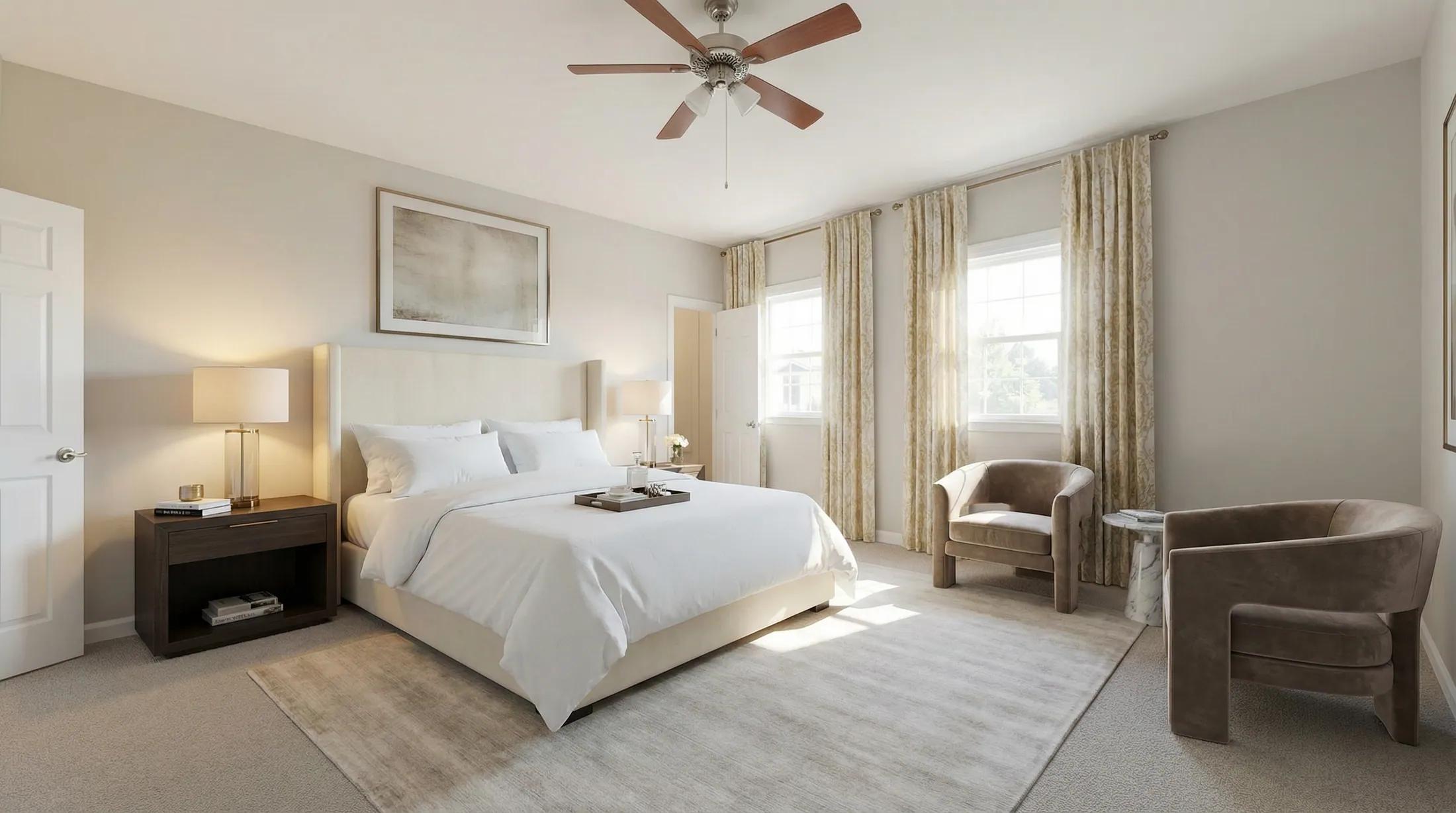 After
AfterA finished listing in three steps
- 01
Upload the listing
Add up to 20 photos. Each room type is detected for you; change any that are wrong.
- 02
Pick the edit
Twilight, declutter, empty, blue sky, stage or restyle. You see the total credit cost before anything runs.
- 03
Download the set
Get every photo as one ZIP with disclosure labels, or a before/after set. Re-render any single room you want to change.
Compared with a photo-editing service
| Metric | Per-photo editing service | With Renovaitor |
|---|---|---|
| Turnaround | Typically a day or more | Minutes for the whole listing |
| Cost | Charged per photo, per edit | A few credits per photo |
| Revisions | Back-and-forth by email | Re-render any room yourself |
| Disclosure | Usually up to you | Label and original-photo link included |
Listing edits run in Renovaitor’s Design Studio listing batch: the same studio that stages, restyles and relights rooms. Each photo also opens as its own Studio session for finer changes. Explore Design Studio.
Edit a whole listing on one starter pack
New accounts can try a photo free (watermarked) first. Then start with a one-time credit pack and spend credits only on photos you edit. Failed renders are refunded automatically. Subscriptions add monthly credits, team seats and API access.
Start for
$9
50 credits: pay once, no subscription
Pro plan
$39/mo
500 credits every month
This feature
7 credits
per edited photo
Credits work across every Renovaitor tool. See full pricing
Frequently asked questions
- Will the house or rooms be changed?
- Every edit tells the model to keep walls, windows, doors, floors, the roofline and the camera angle exactly as photographed. If a result isn’t right, re-render that room.
- Do I need to disclose edited listing photos?
- Many markets require it, and California’s AB 723 asks altered listing photos to say so and link to the original. Each listing download carries a label saying what was changed plus a link and QR code to the unaltered original. Check your local MLS rules too.
- How much does it cost?
- Each edited photo costs the same few credits whichever edit you pick, and the total is shown before you start. Renders that fail are refunded automatically.
- Can I mix edits in one listing?
- Yes. Pick an edit for the whole listing, then change it for any photo: for example, staging for the empty rooms and twilight for the exterior. It all comes back as one set, with one link and one ZIP.
Edit your next listing
Upload the whole listing, pick the edit and download the finished set in minutes.