Redesign any room by describing it. Photoreal, in seconds.
Upload a photo of your space and tell the studio what you want. It reads the room: layout, light, materials, and renders the change while keeping the architecture intact.
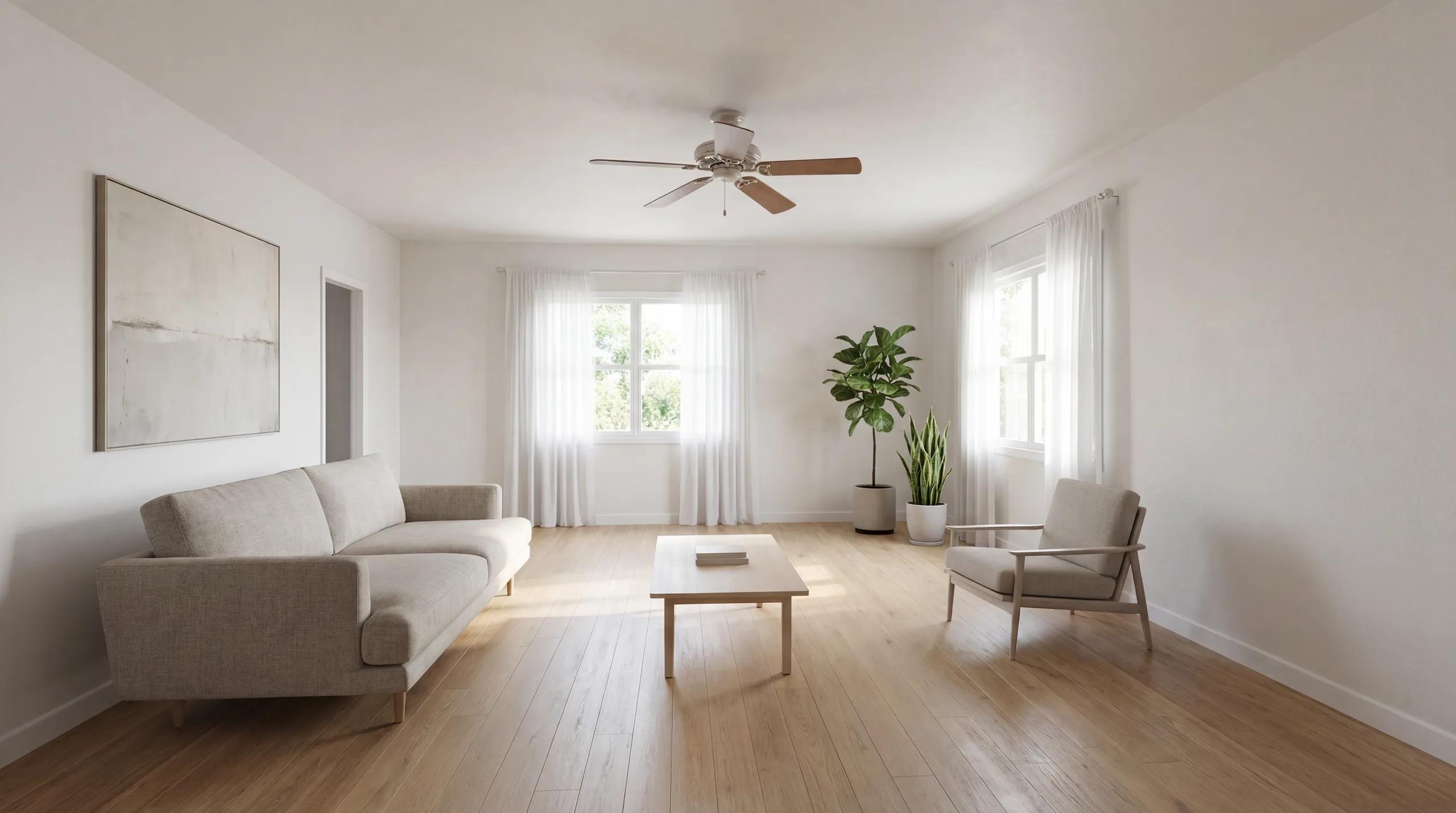
One studio for every kind of change
A single chat-driven canvas replaces a stack of one-off tools. Ask for a restyle, a staging, a color study or a lighting change: the studio handles all of it on the same image.
Restyle in any aesthetic
Turn a tired room into quiet modernism, warm minimalism, mid-century or Scandinavian: the furniture and finishes change, the walls and windows stay put.
Virtually stage empty rooms
Furnish a bare listing photo with believable furniture and styling so buyers can picture living there, without renting a single prop.
Test colors and materials
Try a wall color, a floor, a countertop or a cabinet finish and see it rendered in context before you commit to anything physical.
Change the light
Shift a room from flat afternoon light to warm golden hour, or brighten a dim space, to judge how it truly feels at different times of day.
Understands your room
Every upload is analysed for room type, style and palette, so suggestions and edits are grounded in the space you actually have.
Fifteen-second renders
Each idea comes back as a photoreal plate in roughly fifteen seconds: fast enough to try ten directions in one sitting instead of waiting on a designer.
Real rooms, real transformations
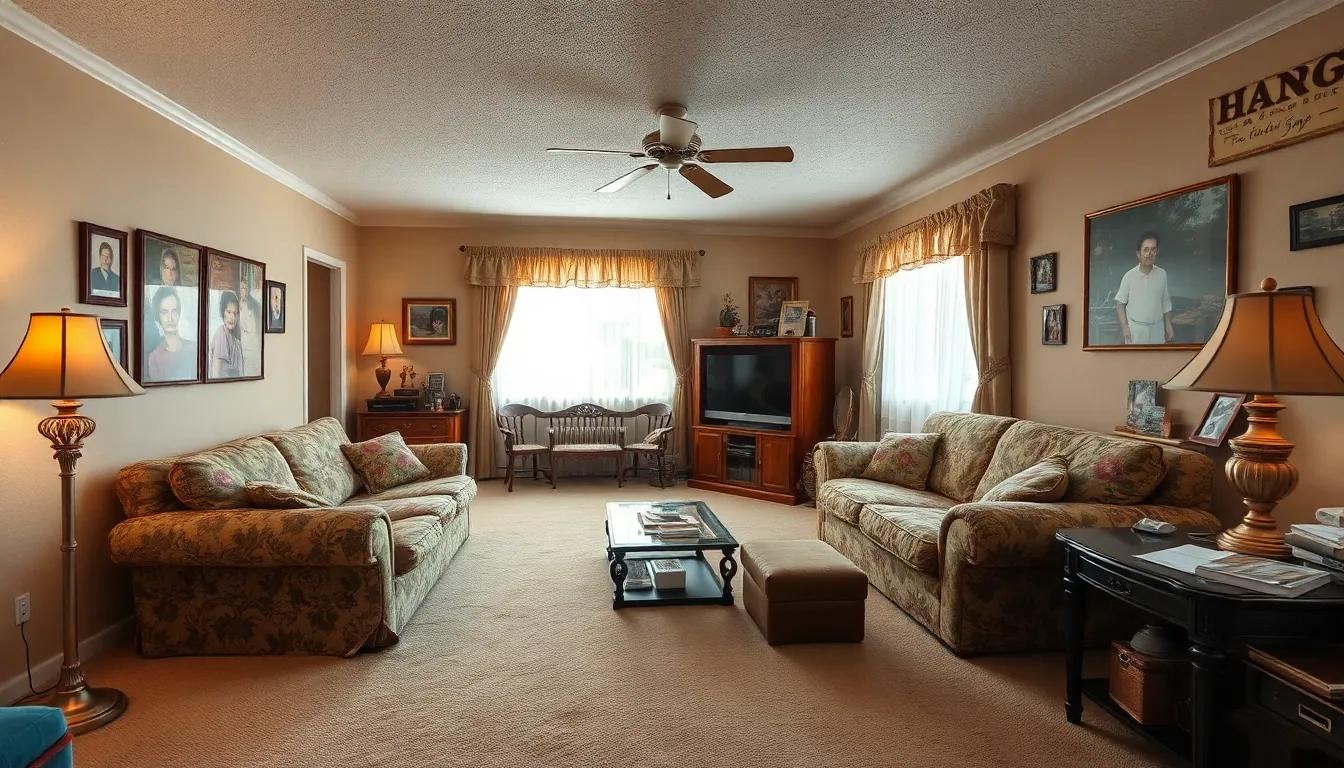
Every pair below started as an ordinary photo and was reimagined in the studio, no set dressing, no reshoots.
BeforeAfter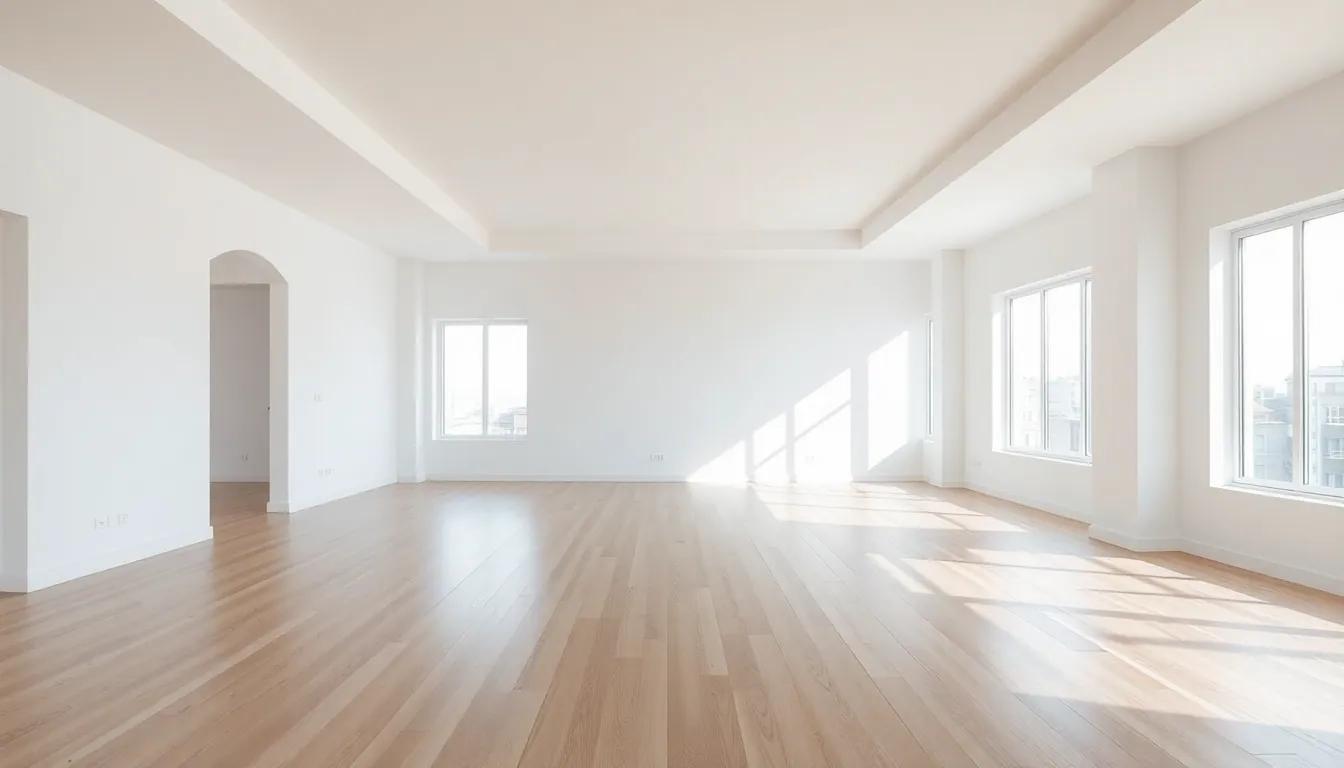 Before
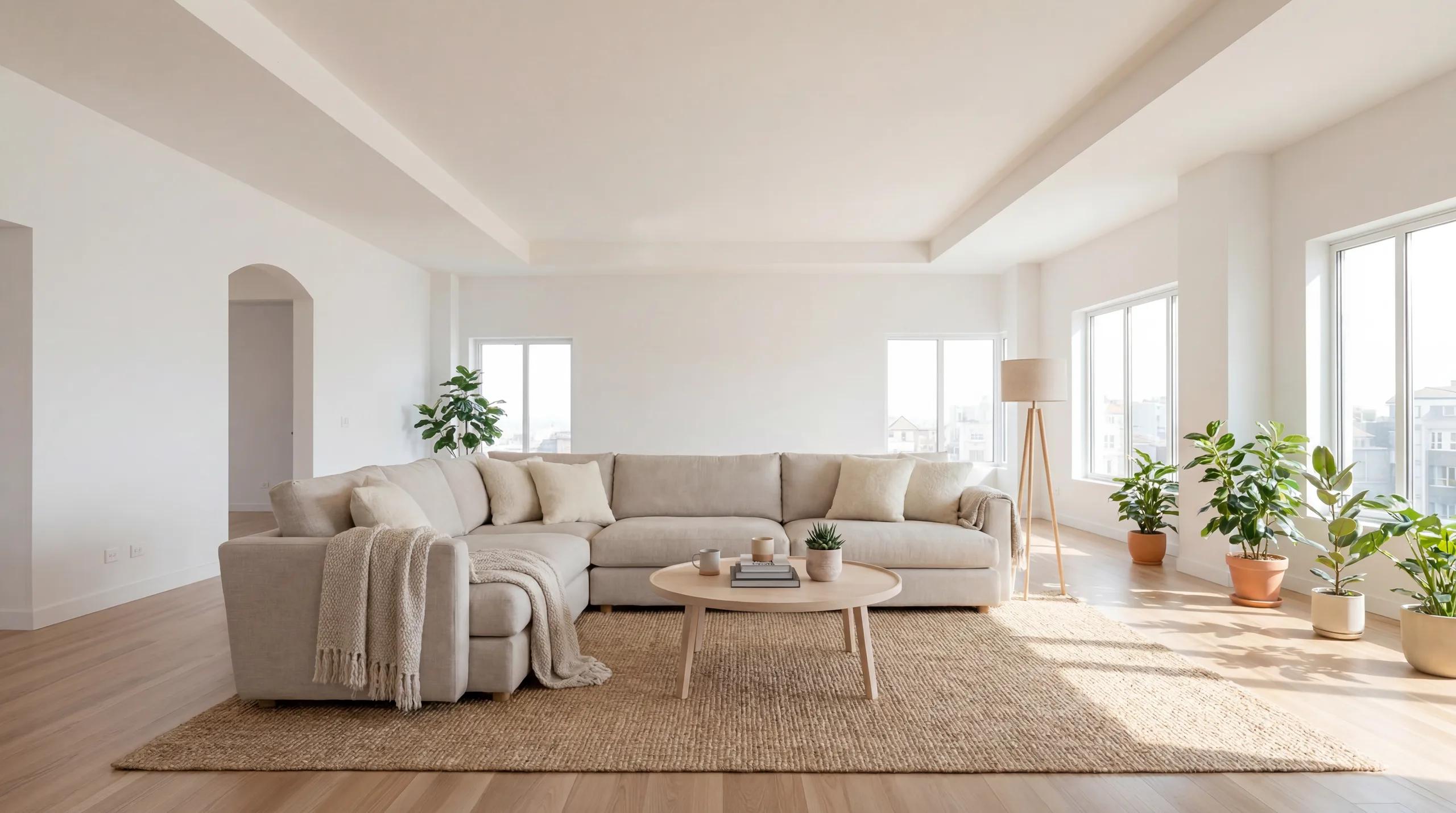 After
After Before
 After
AfterFrom photo to render in three steps
- 01
Upload your room
Drop in a photo of the space you want to change. The studio analyses its layout, style and palette to ground everything that follows.
- 02
Describe the change
Type what you want in plain language, or pick a guided mode for restyling, staging, color or lighting. Nudge and refine as you go.
- 03
Get a photoreal render
Compare each finished plate against the original, keep iterating, and download the results you love.
Start with a $9 credit pack
Drawing and browsing are free: you only spend credits when the studio renders. A small Starter pack is enough to explore several rooms.
Start for
$9
50 credits: pay once, no subscription
Pro plan
$39/mo
500 credits every month
This feature
7 credits
per standard render
Credits work across every Renovaitor tool. See full pricing
Frequently asked questions
- Do I need any design experience?
- No. You describe what you want in ordinary language: "make this living room warm and minimal", and the studio does the rest. Guided modes help if you prefer a few taps over typing.
- Will it keep my room’s actual layout?
- Yes. The studio understands the architecture of your photo: walls, windows, room shape, and changes the styling, furniture, colors or lighting while preserving the space itself.
- How long does a render take?
- A standard render comes back in roughly fifteen seconds, so you can try several directions on the same room in a single sitting.
- What can I actually change?
- Restyle a room into a new aesthetic, stage an empty space, test wall colors and materials, or change the lighting: all on the same uploaded photo, from one studio.
- How much does it cost?
- You can start with a small one-time Starter credit pack and only spend credits when you render. Subscriptions add monthly credits and premium options: see the pricing page for current rates.