The couch looked perfect online. Then it arrived.
Everyone has a piece they regret: too big, wrong color, swallowed the room. Upload a photo of the product and a photo of your space, and see the real thing in your real room before you commit a cent.
The expensive mistakes happen off-camera
A product-page thumbnail can’t tell you scale, and returns on furniture are brutal: restocking fees, freight, the week it sits in your hallway. See it in place first and the guesswork disappears.
Your real product, not a polite substitute
Other planners drop in a similar sofa and let you fill in the gaps with hope. This places the exact piece you’re eyeing, from the actual photo, so nothing gets flattered.
Catch the scale problem before the truck does
The single most common regret is size. See how the piece truly sits against your walls, windows and the furniture you already own, so “it looked right online” doesn’t become “it owns the room now”.
Any room you’ve photographed
Living room, bedroom, tight studio corner. Place the product into the actual space it has to work in, not a showroom that flatters everything.
A private dress rehearsal
Nothing you upload is added to any public catalog. Your room, your product photo, a render you keep or delete. No one sees the near-misses.
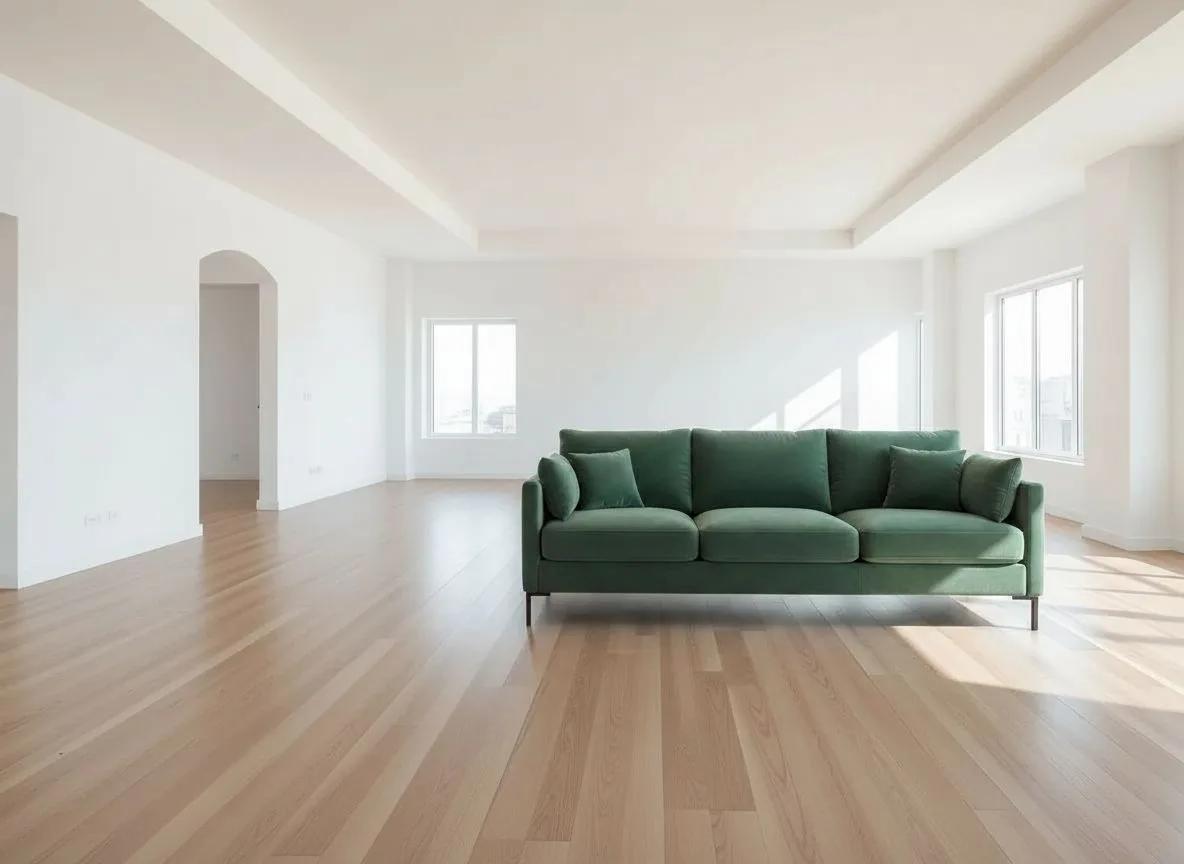
Real listing photos, placed in real rooms
Each pair started as two photos: the room, and a product shot like the ones on any retailer page. The studio did the placing.
 Before
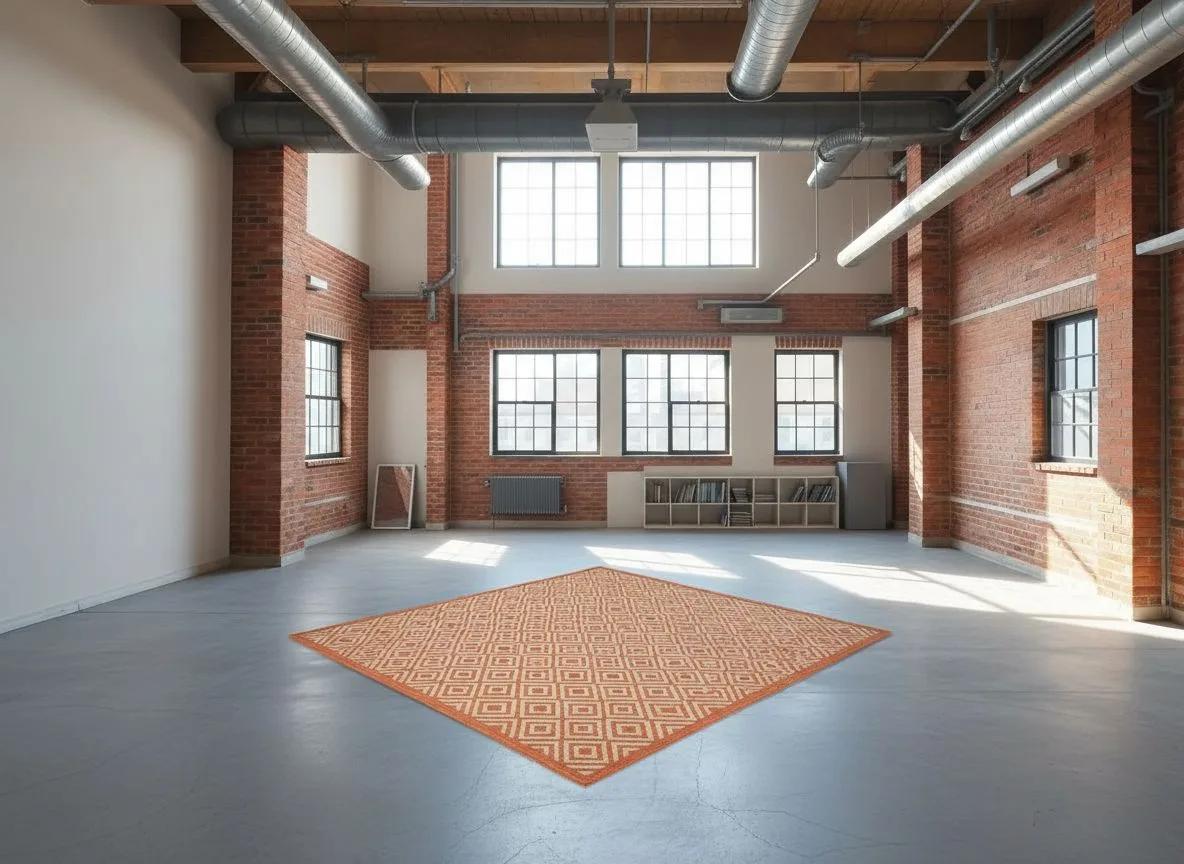 After
After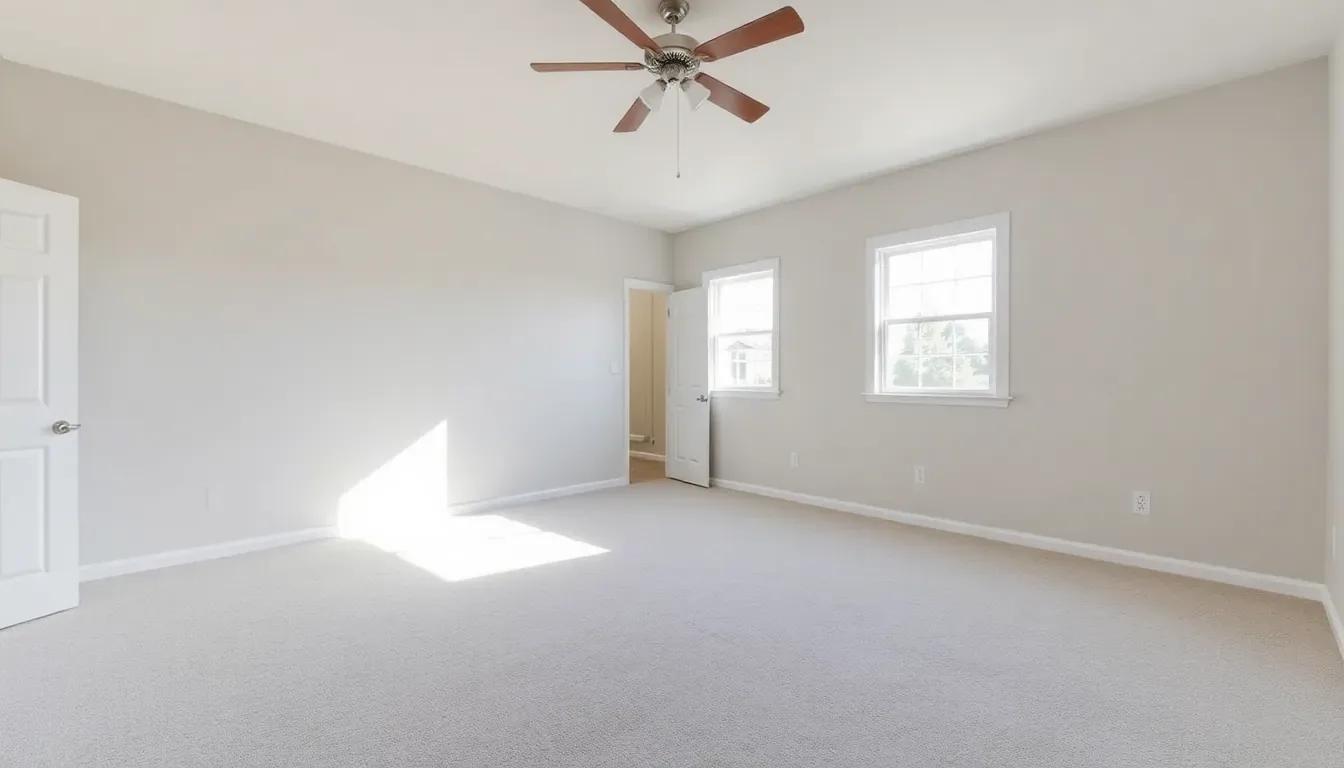 Before
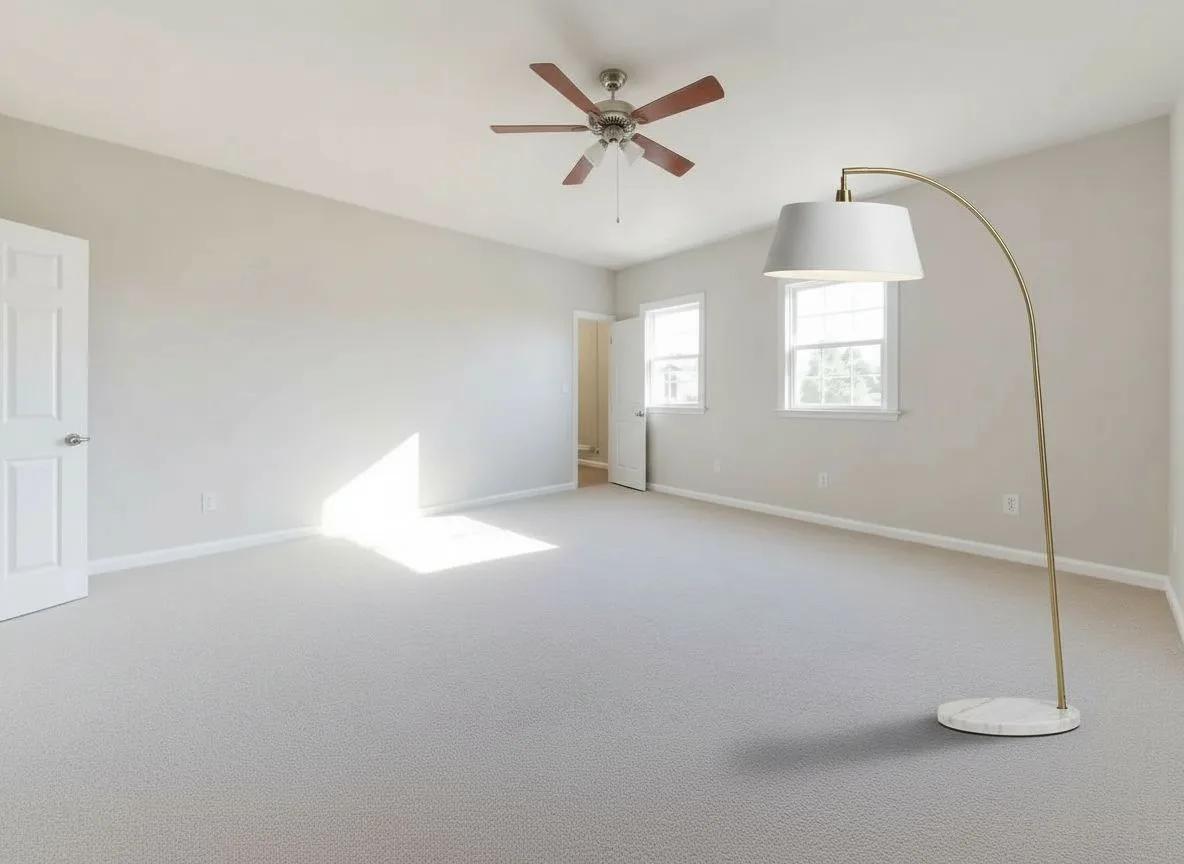 After
After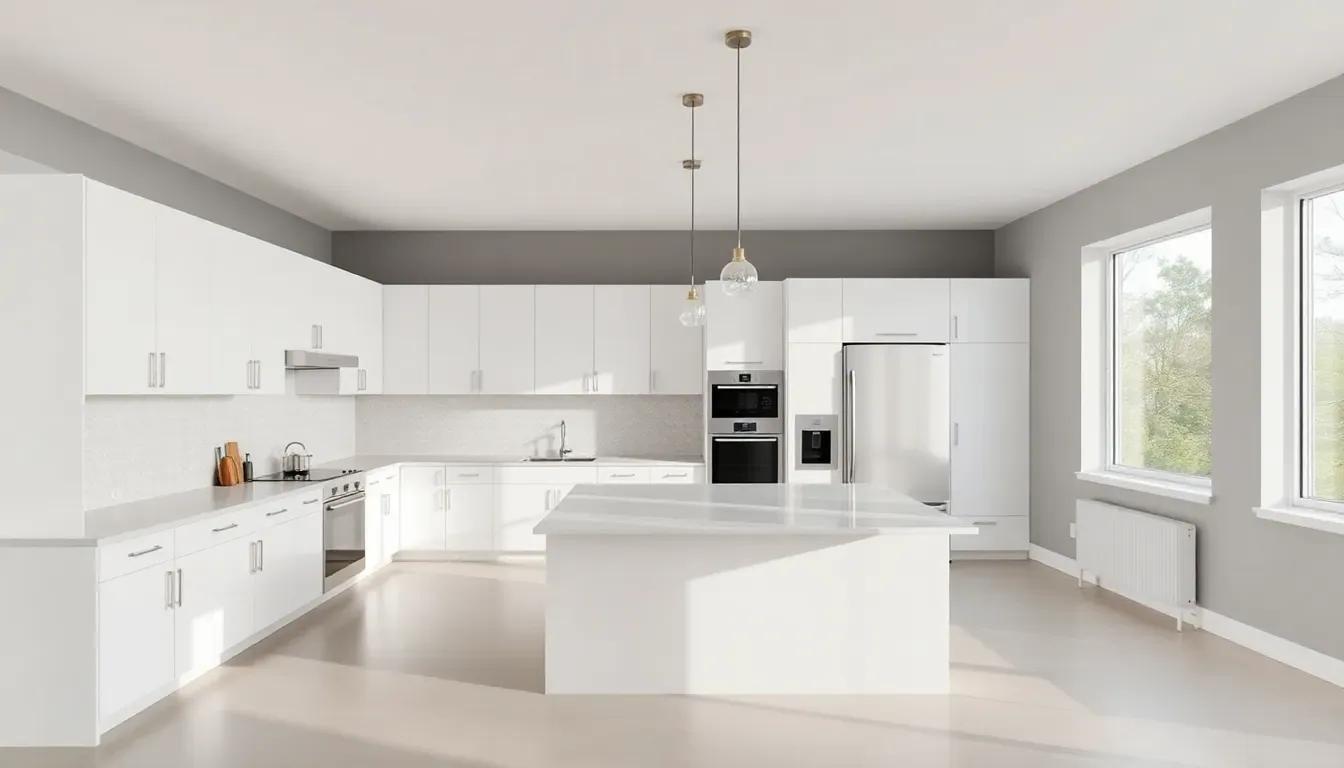 Before
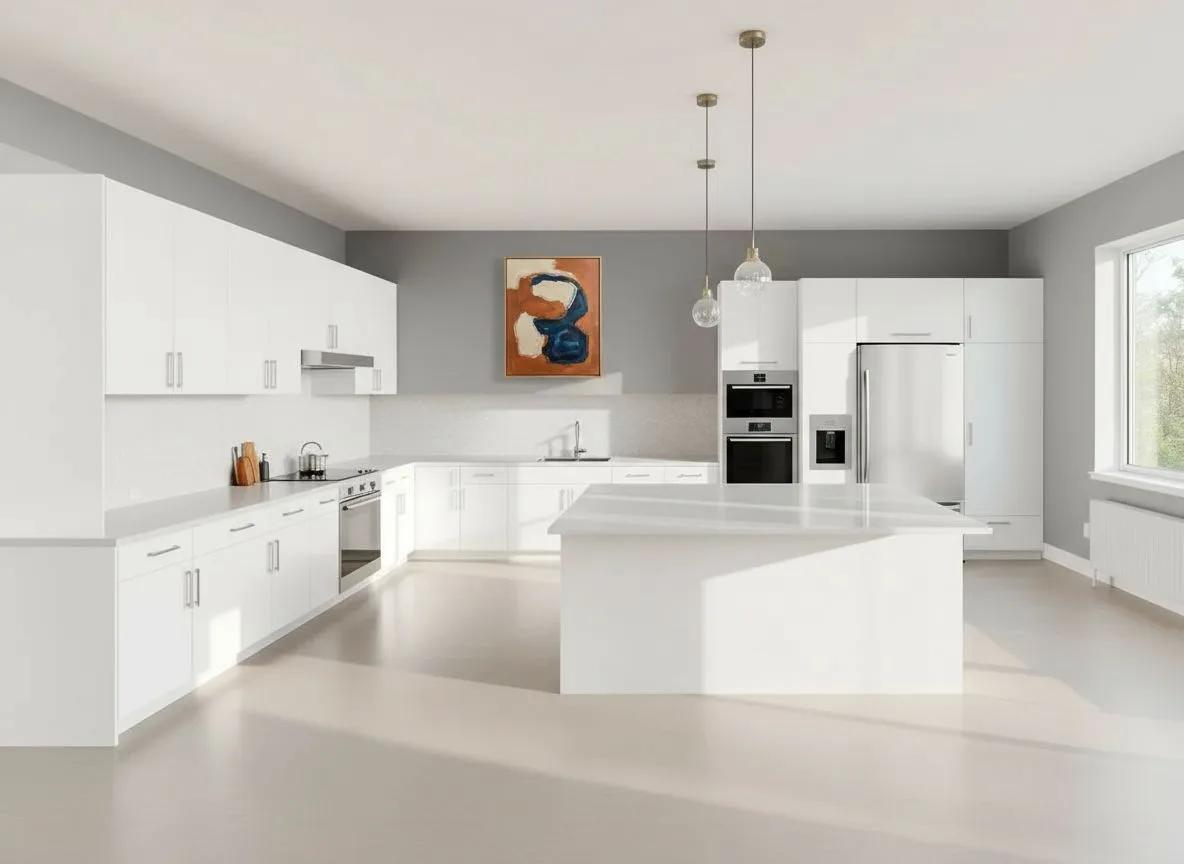 After
AfterTwo photos, one honest answer
- 01
Upload your room
Add a photo of the space you’re furnishing, taken from where you’d actually stand.
- 02
Upload the product
Your own photo or a listing shot of the sofa, chair, rug or lamp you’re tempted by.
- 03
See it placed
The studio sets it into your room. If it works, buy it knowing how it looks in place. If it doesn’t, you just dodged a return.
See It In Your Room is a capability inside Renovaitor’s Design Studio, the same studio that restyles, stages and relights rooms. Upload your room and a product photo, and it does the placing. Explore Design Studio.
Try a product in your room for a few credits
Start with a one-time Starter pack and spend credits only when you place a product. Subscriptions add monthly credits and premium options.
Start for
$9
50 credits: pay once, no subscription
Pro plan
$39/mo
500 credits every month
This feature
7 credits
per placement
Credits work across every Renovaitor tool. See full pricing
Frequently asked questions
- Isn’t this just a fancy “try before you buy”?
- Same idea, higher stakes. Furniture is the category where guessing costs the most: a wrong sofa isn’t a $20 return, it’s freight, restocking and regret. This is about not making that mistake.
- Will it look exactly like the real thing?
- It’s a photoreal preview built to catch the deal-breakers: scale, proportion, whether the color fights the room. Real-world light and materials vary slightly, but the mistakes worth avoiding show up clearly.
- Can I use my own photo of the product?
- Yes. A phone photo works the same as a retailer’s stock shot; the studio just needs to see the piece clearly.
- What if I don’t have a product photo?
- Pick a piece from the curated catalog inside Design Studio instead. Choose it, and the studio places that exact item into your room the same way, one piece per render.
- Do I need any design skill?
- None. Pick two photos. Avoiding a bad purchase shouldn’t require a diploma.
- What if I’m torn between two?
- Place both in the same room and compare, or try one piece in two rooms. Settling the debate is the whole point.
Return it in your head, not in real life
Upload your room and the piece you’re eyeing. Find out in seconds whether it’s the one.