Turn soft renders into crisp, high-resolution images. With AI detail.
Enlarge and sharpen any render or room photo. The upscaler recovers fine detail and cleans up softness, so your images look sharp on big screens, in print and in listings.
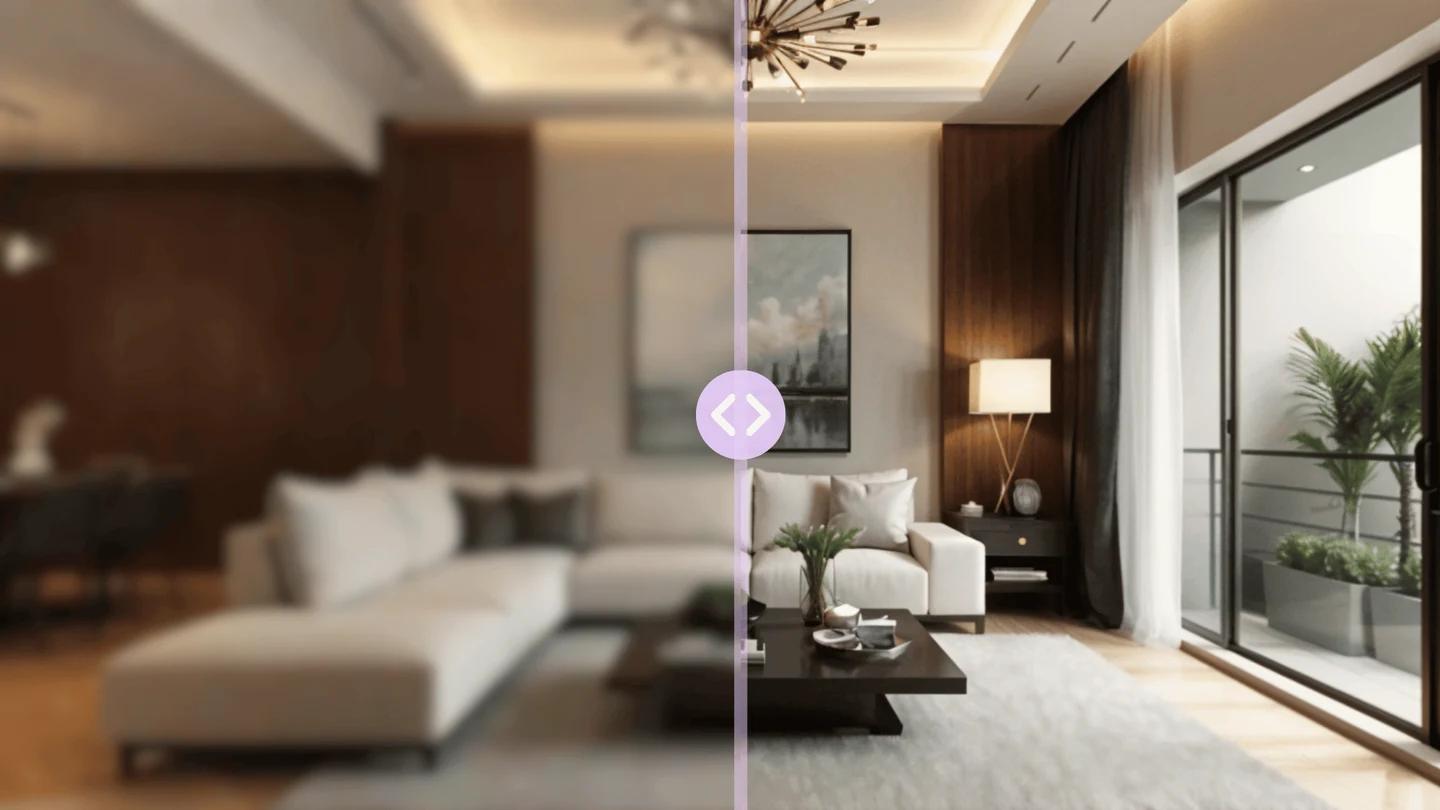
More resolution, more detail
Recover fine detail
AI reconstructs edges, textures and materials as it enlarges, so upscaled images gain genuine detail rather than just more blurry pixels.
Print- and listing-ready
Export crisp, high-resolution results that hold up in brochures, large prints and MLS photos where soft images fall apart.
Clean up softness
Sharpen renders and photos that came out soft or slightly out of focus, so a good composition isn’t let down by resolution.
Your image, your license
A commercial license is included on paid plans. Use your upscaled images wherever your work goes.
Upscale an image in three steps
- 01
Upload your image
Add the render or room photo you want to sharpen and enlarge.
- 02
Upscale
The AI enlarges the image and reconstructs detail, edges and texture as it goes.
- 03
Download
Save the crisp, high-resolution result, ready for print, listings or large displays.
Upscaling is a capability inside Renovaitor’s Design Studio: the same studio that redesigns, stages and relights rooms. Bring an image in and sharpen it to a higher resolution. Explore Design Studio.
Sharpen images for a few credits each
Start with a one-time Starter pack and spend credits only when you upscale. Subscriptions add monthly credits and higher-resolution options.
Start for
$9
50 credits: pay once, no subscription
Pro plan
$39/mo
500 credits every month
This feature
3 credits
per upscale
Credits work across every Renovaitor tool. See full pricing
Frequently asked questions
- How much larger can it go?
- The upscaler significantly increases resolution while reconstructing detail. Higher-resolution output is available on paid plans: see the pricing page for the current ceiling.
- Does it just blur-stretch the image?
- No. It reconstructs edges, textures and materials as it enlarges, so you gain real detail rather than a softly-stretched version of the original.
- What images work best?
- Design renders and room photos upscale especially well. Very low-quality or heavily compressed sources have less detail to recover.
- What does it cost?
- You can start with a one-time Starter credit pack and only spend credits when you upscale. See the pricing page for current rates.
Make your images print-sharp
Upload a render or photo and get a crisp, high-resolution result.