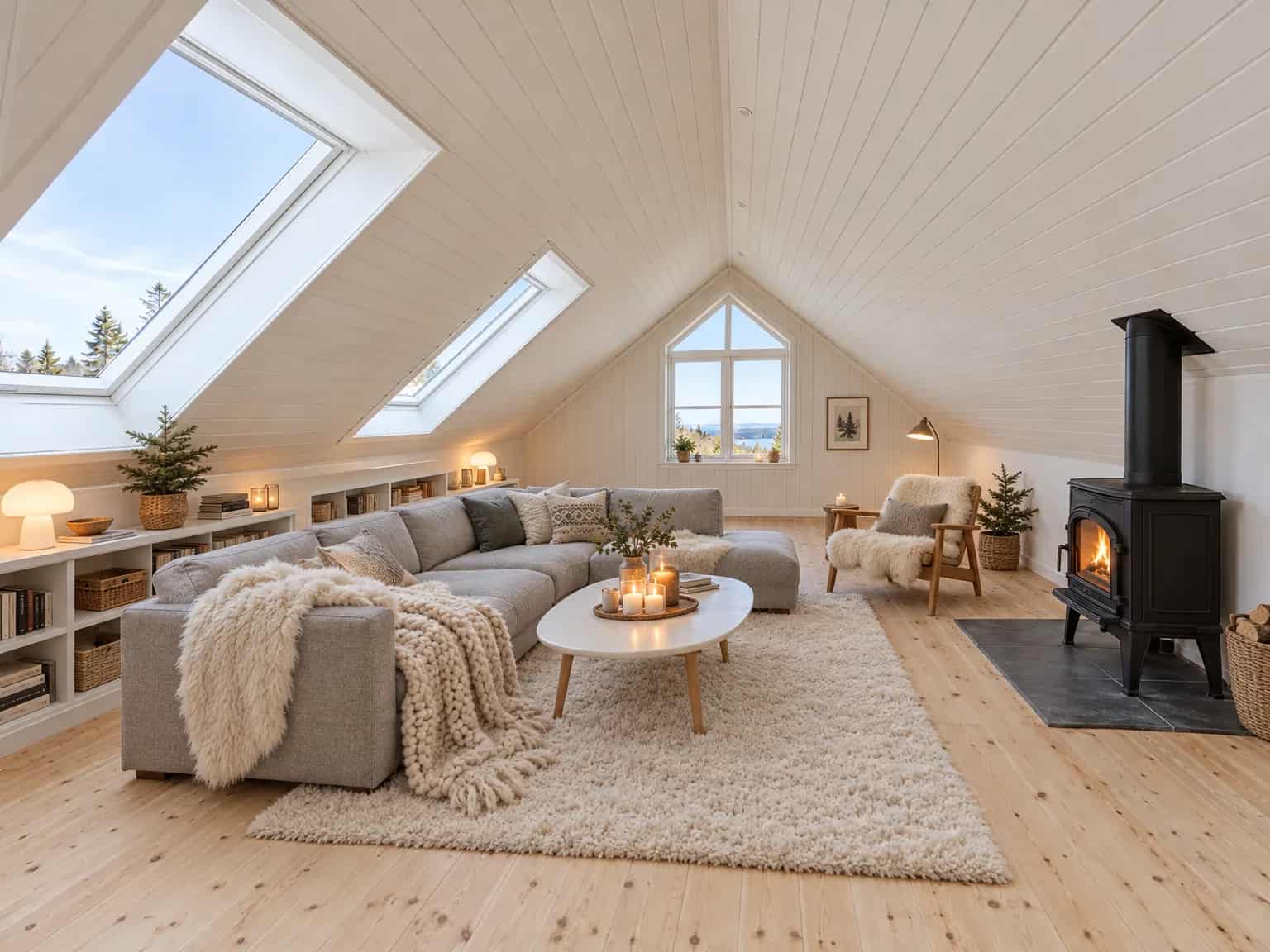
For real-estate agents
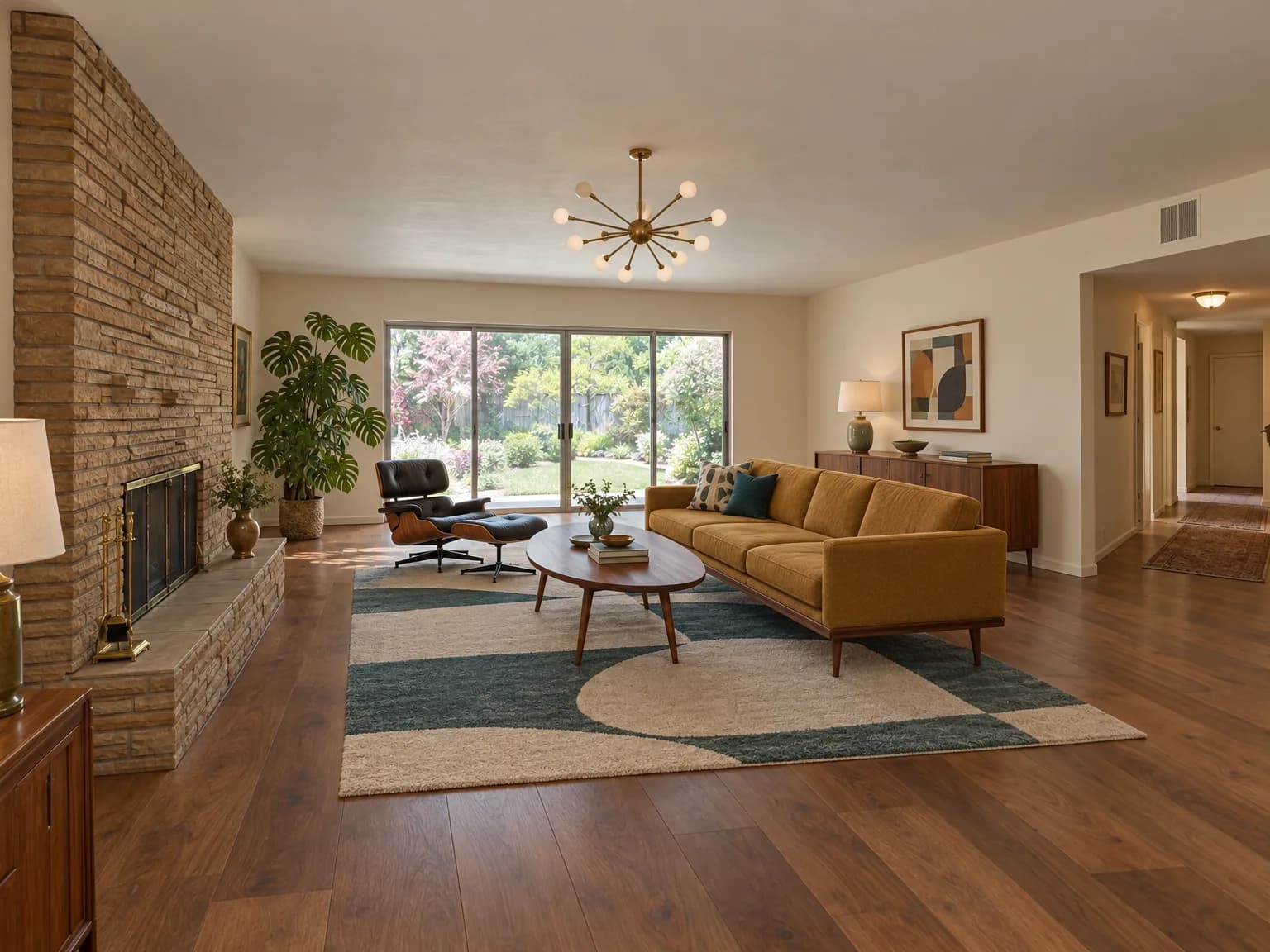
The floor-plan workspace is free, and new accounts get 2 free watermarked renders. Credit packs start at $9.
Upload up to 20 photos and pick one style. Every room comes back as part of the same home, each in under a minute.
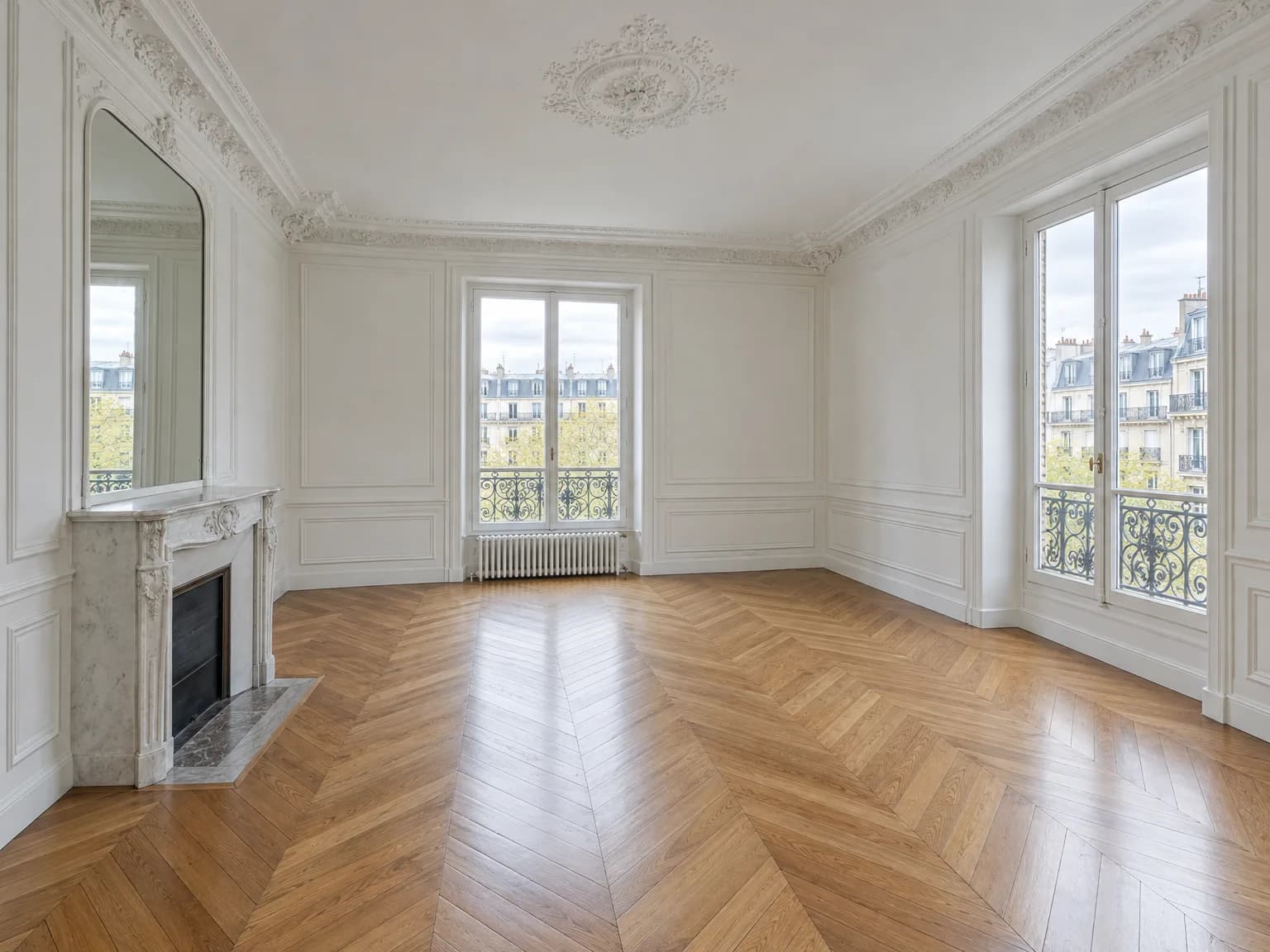
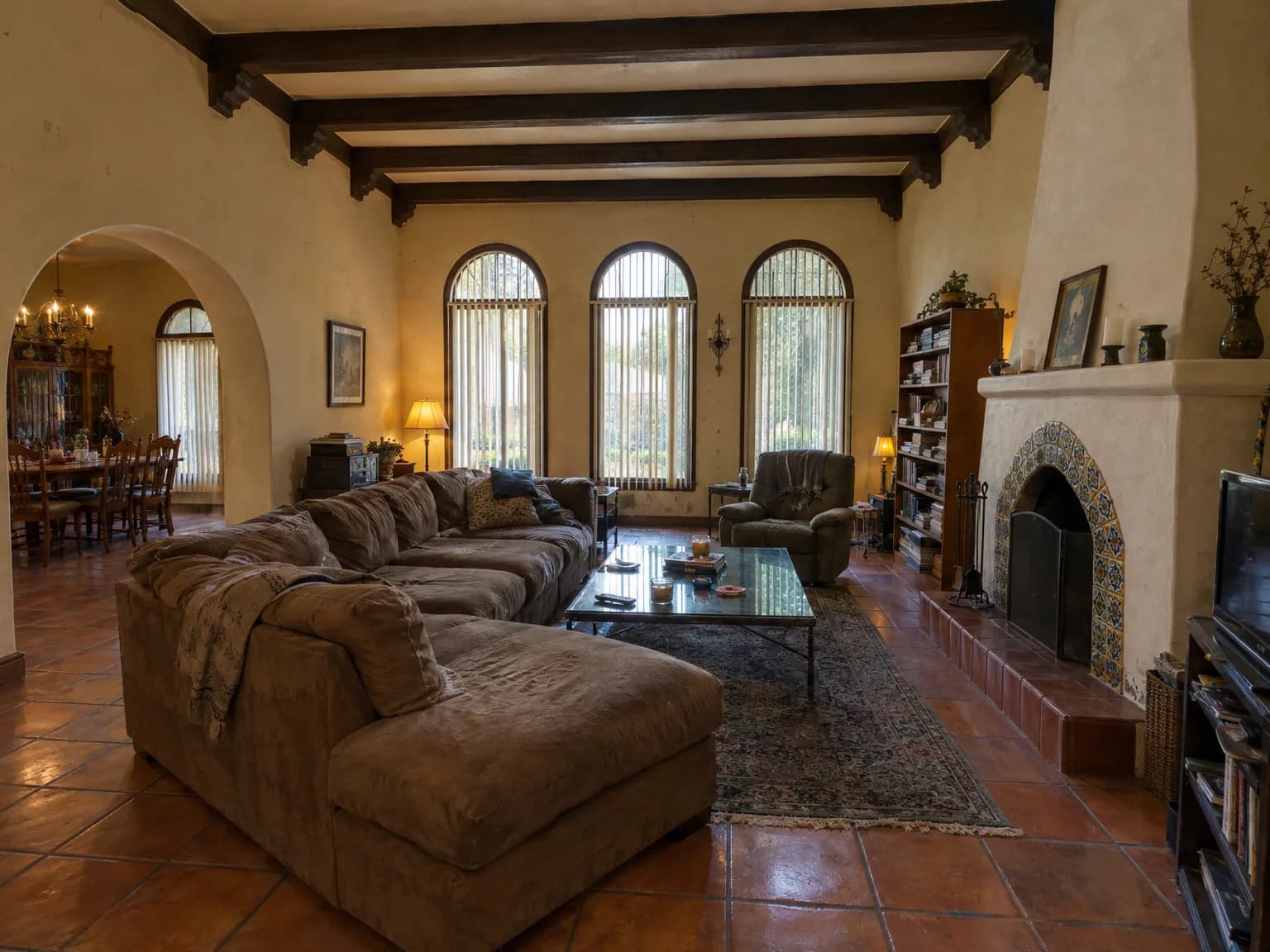
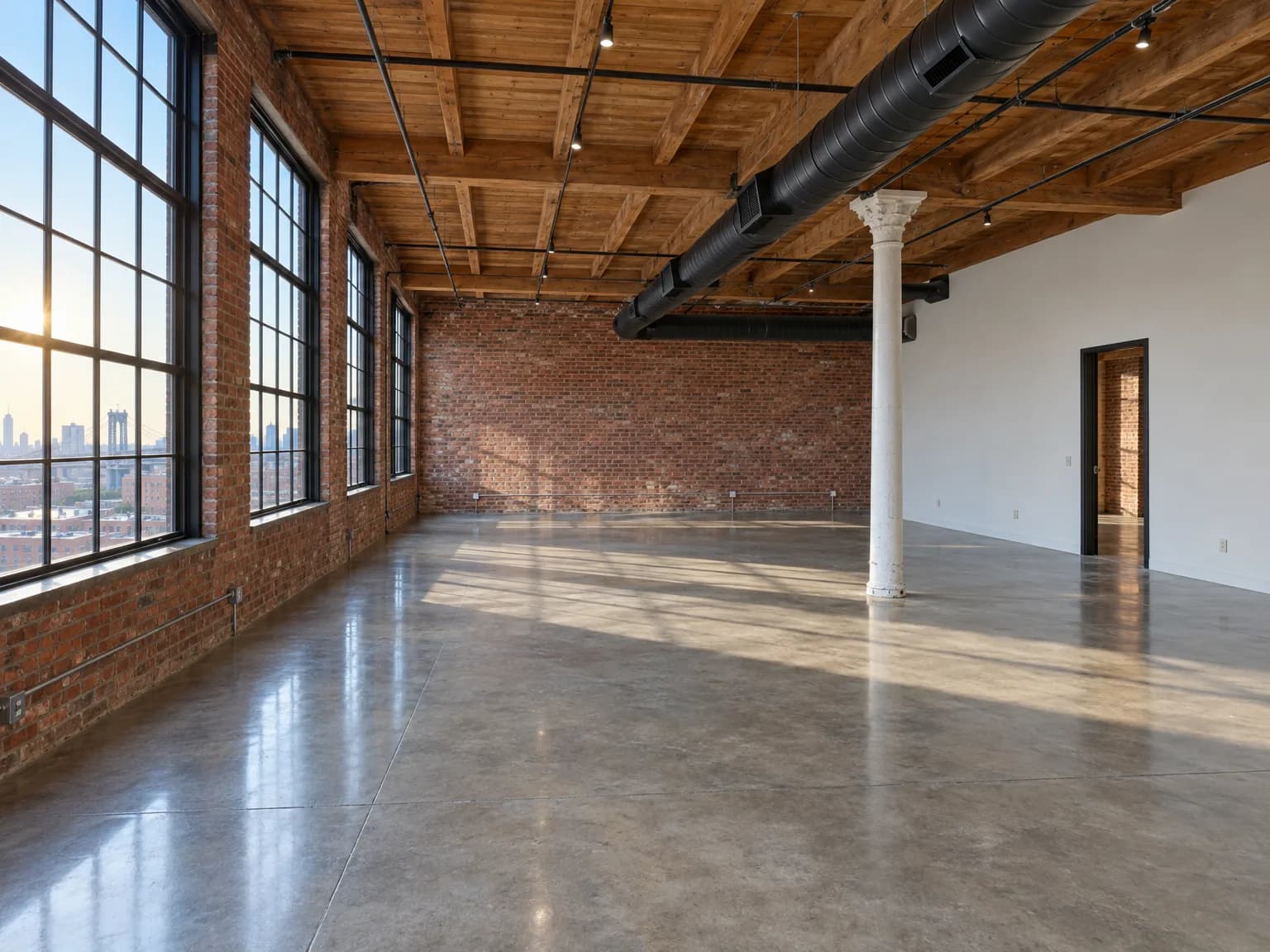 Original
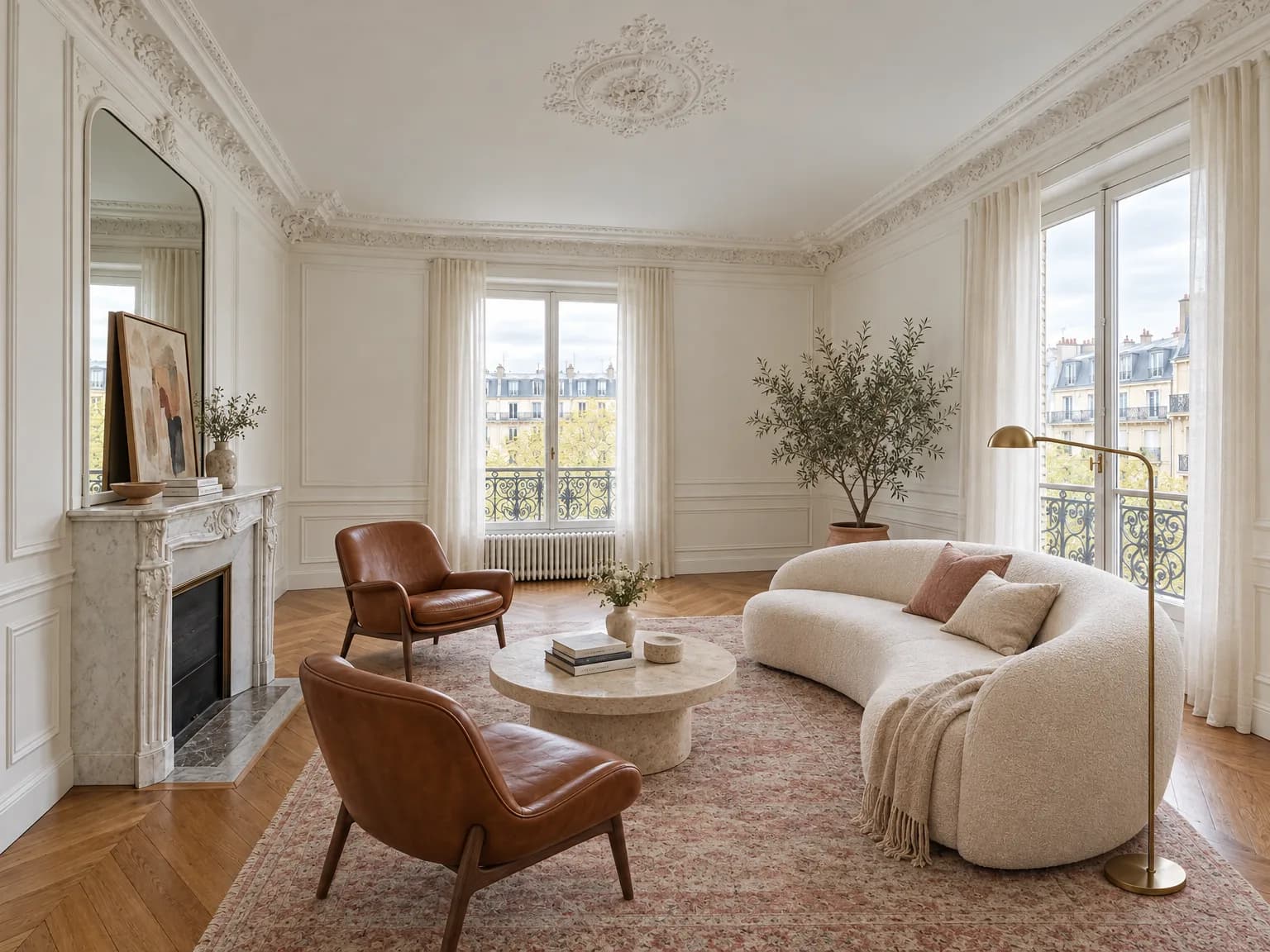
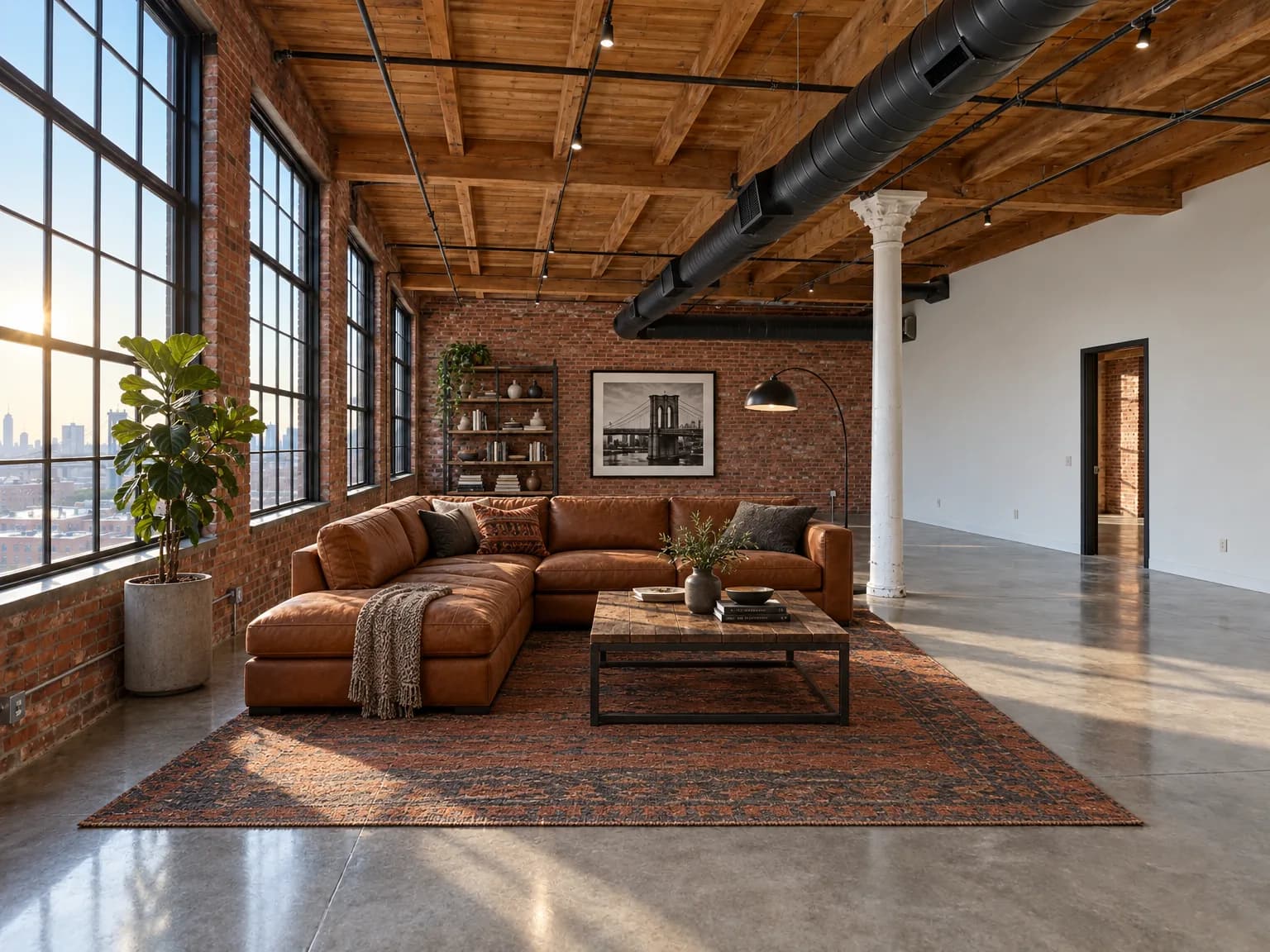 Virtually staged
Every download is labeled “Virtually staged” and links to the original photo, so buyers always see the room as it is.
Each render is checked for moved walls, windows and doors. If one moved, re-render that photo free.
Send sellers and buyers a single before/after page for the whole listing.
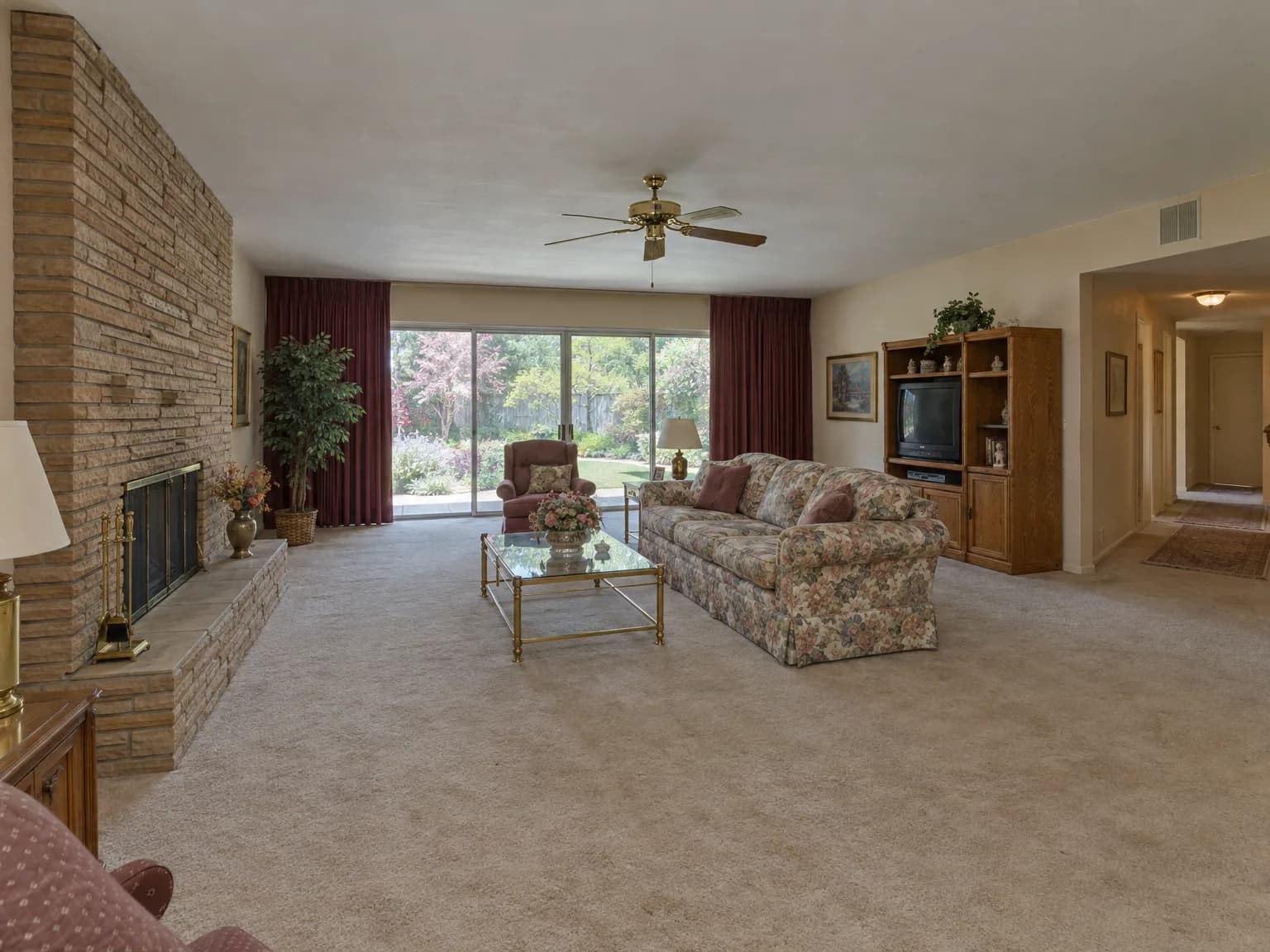
Upload one photo of any room, inside or out, and try a new style in under a minute. The room keeps its shape; finishes and furniture change.
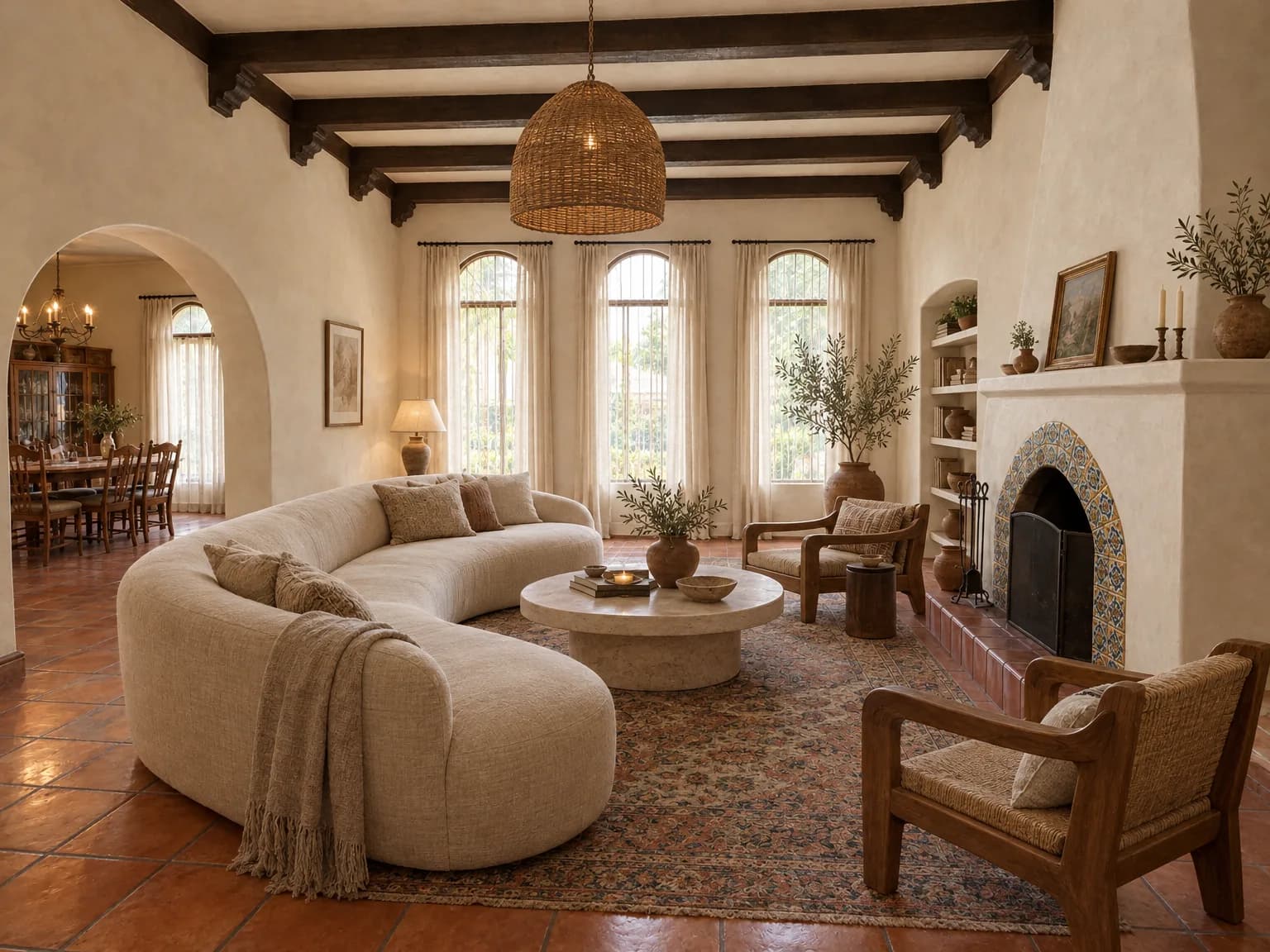
Draw the floor plan for free, or start from the one you have. Keep the cautious option and the bold one side by side: each design option in a project holds its own plans and renders.
A photo or scan of the plan you already have: from the sale, the building office or an old renovation.
Walls, rooms, doors and windows come back as clean, editable lines. You approve the preview, and the original stays underneath to check against.
Dimensions printed on the drawing set the scale. None printed? Pick two points and type one distance you know is true.
Walk the room with the plan open, confirm it matches, and mark it verified.
A traced plan is labeled an estimate until you calibrate it, and recalibrating clears verification. Before construction, have a professional confirm dimensions on site.
Walk through a sample projectHow the floor plan generator worksYes. Listing downloads carry a “Virtually staged” label and a link to the original photo, so buyers can always see the room as it is. Check your local MLS rules for anything extra they require.
It should not, and every listing render is checked for it. If the check finds a wall, window or door that moved, you can re-render that photo free.
Up to 20 photos in one listing, all in the same style, so the rooms read as one home. Each photo can be staged, restyled, decluttered or emptied, or given a twilight shot or a new sky.
They are photoreal, not illustrations. The room keeps its geometry while surfaces and furnishings change, so the result reads as a photograph of the same room: restyled, not redrawn.
Yes. Drawing and editing floor plans, creating projects and organizing design options are free. Credits pay for renders, and for tracing an uploaded plan into editable lines.
Yes. Upload a photo or scan of your current plan (JPEG, PNG, WebP or AVIF) and it is traced into walls and rooms you can edit. One known distance sets the scale. Until you calibrate it, the plan is labeled an estimate; have a professional confirm dimensions before construction.
Yes. Every paid plan includes a commercial license for the outputs you generate: listings, proposals and client presentations.
They are stored privately in your account and never used to train public models. You can delete any file, plan or render at any time.
Any time, from your account. You keep access until the end of the paid period. No phone calls, no retention scripts.
Stage a whole listing, or try a new look for one room before you change a thing. The floor-plan workspace is free, and new accounts get 2 free watermarked renders.
Or draw a floor plan, freeSee plans and credit packs