Paint changes onto any room, layer by layer. With AI magic fill.
Brush a mask over what you want gone: a sofa, a wire, a whole wall of clutter, and AI reconstructs what was behind it. Add furniture, refine details, and keep every change on its own layer.
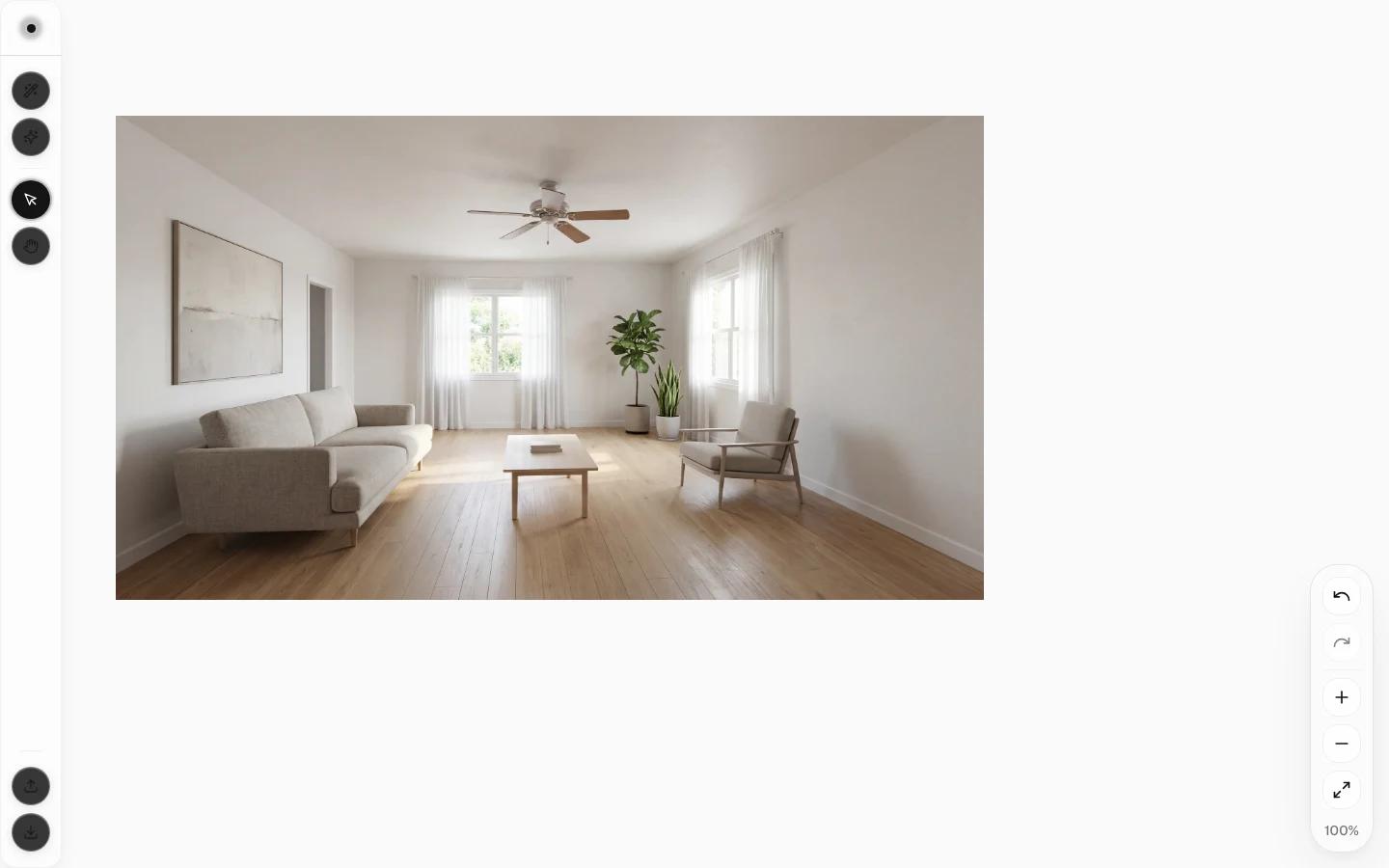
Control a chat prompt can’t give you
The canvas gives you the fine, manual control a chat prompt can’t: masking exactly what changes and leaving the rest untouched.
Magic fill
Mask an object and remove it cleanly, or paint in something new. The AI reconstructs the space behind it so the result looks like it was always that way.
Work in layers
Every edit lives on its own layer, so you can stack changes, toggle them on and off, and step back without losing earlier work.
Brush masking
Paint a precise mask over exactly the region you want to change. No rough rectangles, no collateral edits to the rest of the room.
Grid & alignment
Snap to a grid and use alignment guides so anything you add sits square with the room instead of floating out of place.
Real-time preview
See transformations render as you work, so you can judge a change immediately and adjust before committing credits to a final result.
Nothing to install
The whole editor runs in the browser. Open a photo, make your edits, and export. No downloads, no plugins, no heavyweight desktop suite.
Edit a photo in three steps
- 01
Open your image
Load a room photo onto the canvas. It becomes your base layer, ready for non-destructive edits.
- 02
Mask what changes
Brush over the object or area you want to remove or replace, then magic fill reconstructs what sits behind it.
- 03
Refine and export
Stack further edits on new layers, preview the result in real time, and download the finished image.
Pay only for the edits you keep
Object removal is the cheapest action in the whole product. Start with a small Starter pack and spend credits only when you render an edit.
Start for
$9
50 credits: pay once, no subscription
Pro plan
$39/mo
500 credits every month
This feature
1 credits
per object removal
Credits work across every Renovaitor tool. See full pricing
Frequently asked questions
- What can the canvas editor remove?
- Anything you can mask: unwanted furniture, clutter, cables, signage or blemishes. The AI fills the space behind the object so the room looks naturally uninterrupted.
- How is this different from Design Studio?
- Design Studio reimagines a whole room from a text description. The canvas is for precise, manual edits: masking one specific object or area and changing just that, layer by layer.
- Do I need Photoshop skills?
- No. You brush over what you want changed and the AI handles the reconstruction. Layers and grid snapping are there when you want more control, not required to get started.
- What does it cost?
- Object removal costs a single credit. The lowest-priced action in Renovaitor. Generative edits that add new content cost slightly more. See the pricing page for current rates.
Clean up any room photo in minutes
Open the canvas, mask what you don’t want, and let AI fill the rest.