Start with the result
What do you need from your next room?
Make a practical plan, prepare a listing, or put your ideas into a brief. See the steps and the credit estimate before you begin.
What you will work toward
A measured layout you can save and export.
- 01Enter the room’s real dimensions.
- 02Place furniture and check clearance.
- 03Save your layout and export the plan.
Plan your credits
Free to plan
Manual room planning uses no generation credits. Optional AI tools show their own cost before use.
Plan my roomThese are guided workflows using your existing tools and credits. A design brief is a visual reference; measured plans and technical specifications need their own verification.
A visual example
Help someone imagine the room.
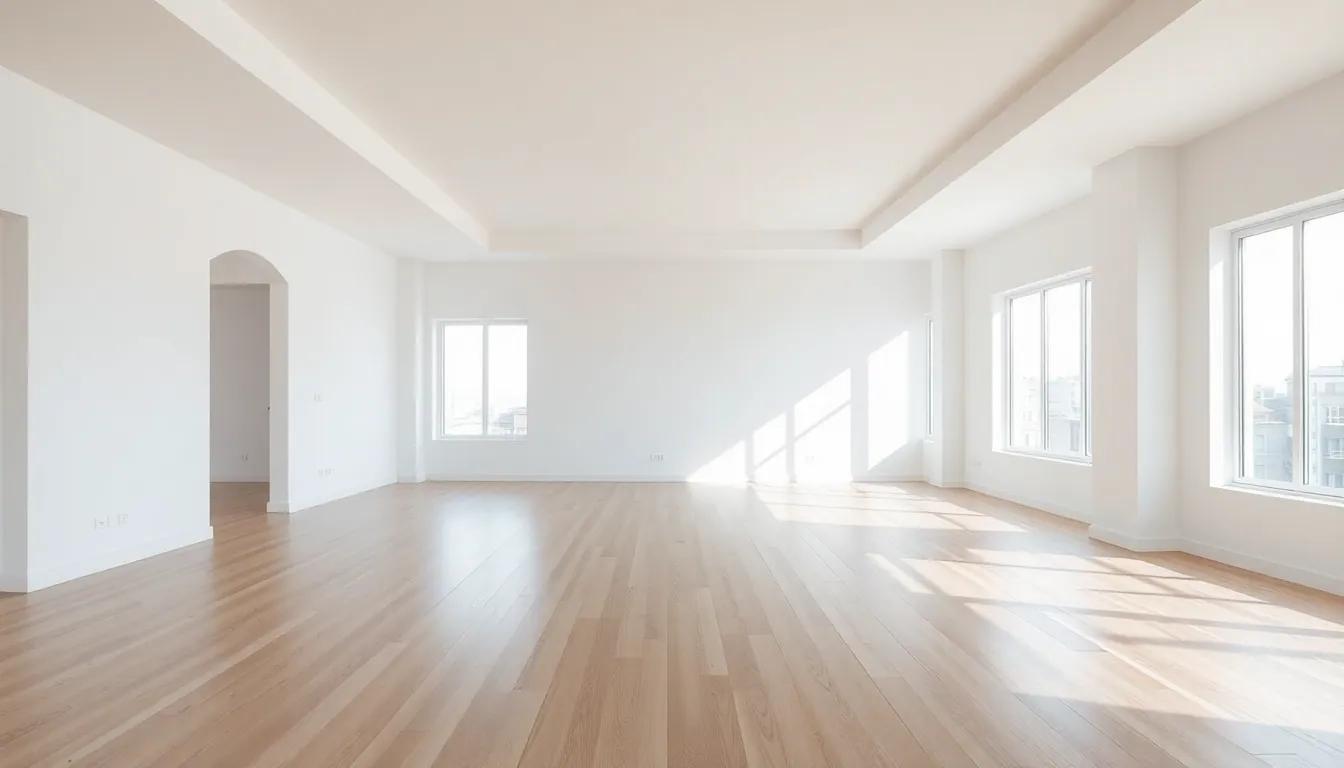
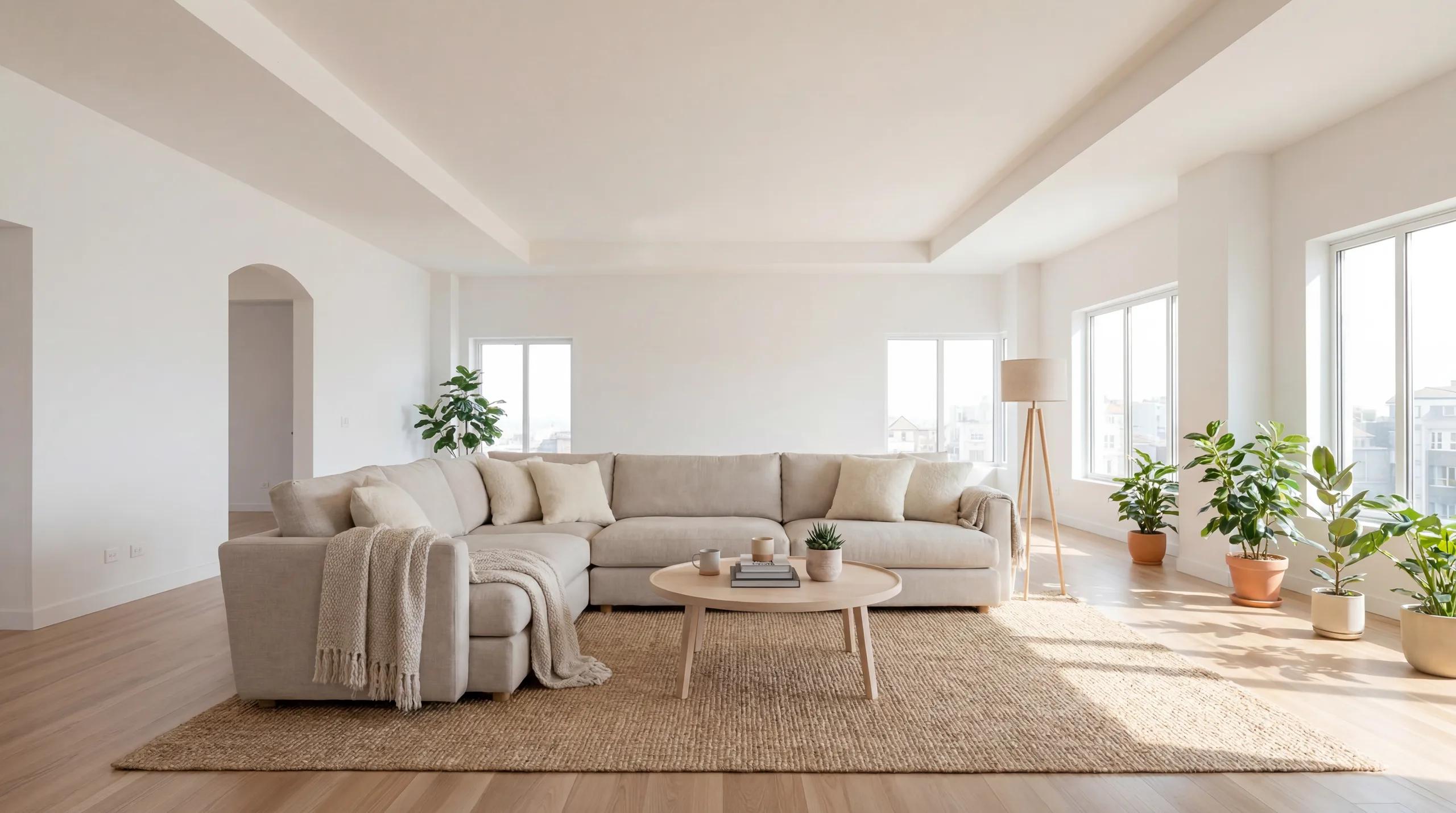
A furnished concept can explain a direction. Start from your own photo, keep the architecture in view, and compare the result against the original before using it.
When fit is the question
Work from dimensions in the floor-plan editor. A rendered image cannot establish furniture clearance or a construction measurement.
Try the editable roomWhen the feeling is the question
Use Studio to compare materials and furniture direction. Start with one room, review the first output, then decide whether another option is useful.
Restyle your own roomBefore a listing goes live
Review doors, windows and proportions against the source photo. Clearly identify images as virtually staged when sharing the finished listing.
Prepare a staging concept